
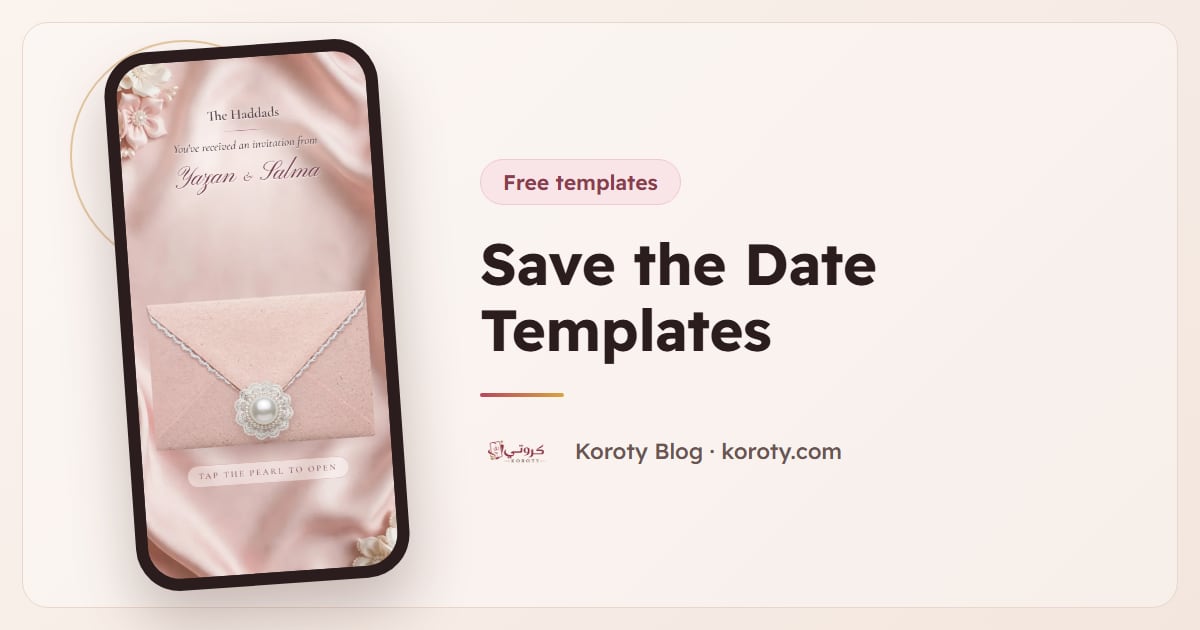
A save the date is a small card with one job: get your wedding day into people's calendars before the invitation arrives. It needs your names, the date and usually the city. That's it. The template you choose decides how it looks, and the size decides whether it shows properly where you share it, so this guide covers both, plus wording you can copy.
Everything below uses the free Save the Date maker on Koroty as the example, because it's what we know best. The advice works with any tool.
What should a save the date template include? #
Keep it to what guests need to block the day. Leave the rest for the invitation, because details change.
| Include | Leave for the invitation |
|---|---|
| Your two names | Ceremony time and venue address |
| The date, with the weekday | RSVP request and deadline |
| The city or country | Dress code, children, parking |
| A short line such as "Formal invitation to follow" | Gift or registry details |
If some of your guests follow the Hijri calendar, add the Hijri date under the Gregorian one. The Koroty maker calculates it for you (Umm al-Qura calendar) and lets you hide it.
Save the date templates with a photo #
Photo templates are the classic choice when you've had an engagement shoot, or simply have a picture you both like. They work best with a photo that has some calm space, such as sky, a wall or soft background, so the names stay readable.
In the maker, the photo designs come in a few shapes:
- Full photo, with the names over the picture, at the bottom or the top.
- Arch frames, in ivory, emerald or navy, for a more formal look.
- Circle frames, in blush or sage, that keep a smaller photo inside a soft border.
- Instant photo, a Polaroid-style frame that feels relaxed and personal.
- Split layouts, photo on one side and text on the other, in burgundy or simple white.
Drag the photo to move it inside the frame and use the slider to zoom. Your photo is drawn in your own browser and is never uploaded to our server, which matters to many couples.
Save the date templates without a photo #
Not every couple wants their faces on a status update, and in many families it isn't done at all. That's why eleven of the 31 designs have no photo, and another ten look good with or without one.
The no-photo designs lean on symbols instead:
- Wax seals in gold or red, with your two initials pressed into them.
- Monograms in gold, burgundy, emerald or blush: just your initials, framed.
- Two doves, two rings or a hanging lantern above your names.
- Painted scenes, such as an Andalusian courtyard, a crescent night sky, pink blossom or an ivory pattern.
- Calendars with your day circled by a hand-drawn heart, in ivory, navy, sage or red.
The calendar style is quietly practical: guests see the date in the context of the month, which makes it stick. If you're unsure which way to go, a seal or monogram design is the safest choice for mixed audiences, from grandparents to colleagues.
Which size should you use? #
Most save the dates today are shared on phones, and a template that's the wrong shape gets cropped or shrunk. Pick the size for where it will be seen first.
| Size | Pixels | Best for |
|---|---|---|
| Status & story | 1080 × 1920 | WhatsApp status, Instagram and Snapchat stories |
| Portrait post | 1080 × 1350 | Instagram and Facebook feed posts |
| Square | 1080 × 1080 | Square posts and sending straight into a WhatsApp chat |
If you plan to post in more than one place, download each size separately. It takes seconds, and each one fits its spot instead of being cut off at the edges.
Save the date wording you can copy #
The title on the card usually says "Save the Date", but you have options. The maker offers "Save the Date", "Save Our Date", "We're Getting Married", "Our Wedding Is Coming" and "Coming Soon", or you can type your own. Under the date, a short line sets expectations:
Save the Date. Layla & Omar. 20 August 2027. Amman, Jordan. Formal invitation to follow.
We're getting married! Sara & Yousef, Thursday 3 June 2027, Dubai. Keep the day free for us.
Save Our Date. Noor and Adam, 12.09.2027. We'd love you to be there.
Coming soon: our wedding. Rim & Karim, Saturday 6 November 2027, Beirut. Details to follow.
When you send the image, add a line in the message too, so the date is searchable in the chat later:
We're so happy to share our date with you: Thursday 3 June 2027 in Dubai. The full invitation will come closer to the day.
For more samples, including Arabic wording with English translations, see save the date wording in Arabic and English and our guide to short wedding invitation wording.
How to make a save the date in a minute #
- Open the Save the Date maker. No account, no sign-up.
- Choose a design. Start with photo or no photo, then pick the style.
- Add your names and date. The Hijri date, and the month calendar in calendar designs, are worked out from the date you pick.
- Pick the title and the small line, or write your own.
- Choose the size for where you'll share it first.
- Download or share. Download as many times as you like. A small "koroty.com" sits at the bottom of the image.
Check the date with someone else before you post. A save the date with the wrong year spreads faster than the correction.
When to send it #
Send it once the date and city are certain, even if the venue isn't. As a rough guide, three to six months ahead works for most weddings, and earlier if guests will travel or the date falls in a busy season. The full timeline is in when to send save the dates, and if you're unsure whether you need one at all, read save the date vs wedding invitation.
Only send it to people you will invite. A save the date is a promise of an invitation, and taking it back is awkward for everyone.
Image, link or printed card? #
A save the date image is quick, free and easy to forward. It can't collect replies or update itself, and that's fine, because it doesn't need to. A printed card is lovely for grandparents and family abroad who keep things on the fridge, but costs more and takes time to post.
Some couples skip the separate save the date and publish their digital invitation early instead, with just the date and city, then add the venue and programme later. Guests open the same link both times. That approach is explained in digital save the date cards you send by link.
After the save the date: the invitation #
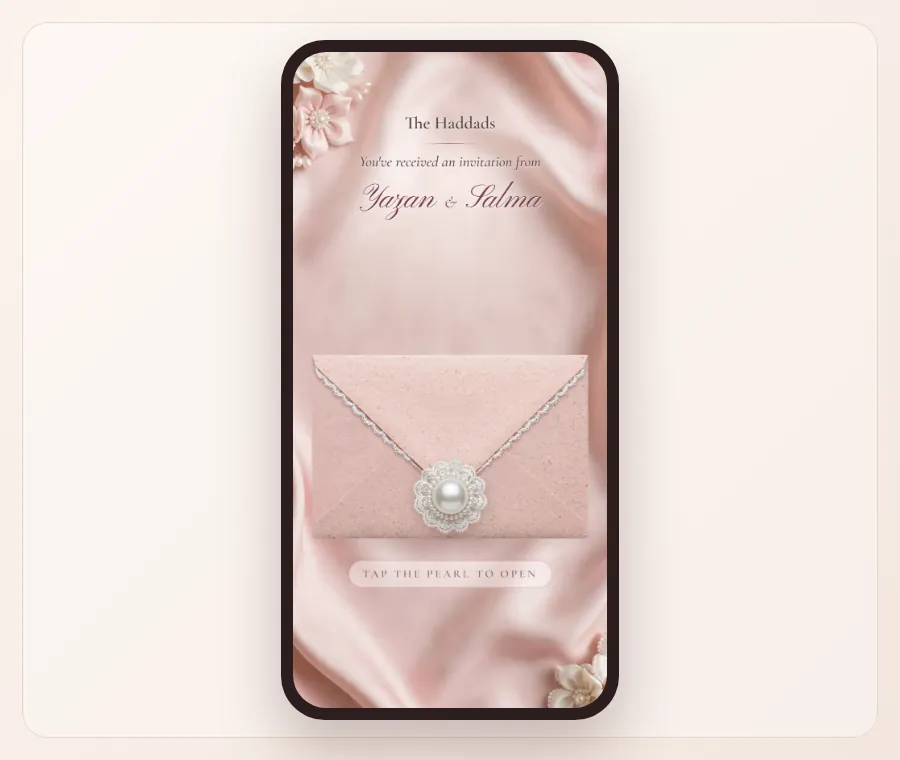
When the details are ready, the invitation does the rest of the work. On Koroty each guest gets a personal link that opens an envelope with their name on it, then the date, a countdown, the venue on a map, an add-to-calendar button and RSVP. After you download your save the date, the maker can also show you a preview of your invitation in a matching design, with your names and date already in it. Designs such as Blush Lace, Golden Seal and Minimalism Dark Blue pair naturally with the seal, blush and navy save the dates. Designing and previewing is free; see pricing for publishing.
The bottom line #
A good save the date template keeps to your names, the date and the city, and is sized for where you'll share it: 1080 × 1920 for status and stories, 1080 × 1350 for feed posts, 1080 × 1080 for chats. Choose a photo design if you're happy to share your picture, and a seal, monogram or calendar design if you're not. Send it only to people you'll invite, three to six months ahead, then follow with the full invitation.
FAQ #
Are these save the date templates really free? #
Yes. The Save the Date maker is free, with no account or sign-up, and you can download as many times as you like. A small "koroty.com" appears at the bottom of each image.
Can I make a save the date without a photo? #
Yes. Eleven designs have no photo at all, using wax seals, monograms, doves, rings, a lantern, painted scenes or a calendar with your day circled. Another ten work with or without a photo.
What size is a save the date for WhatsApp status and Instagram stories? #
1080 × 1920 pixels, the 9:16 shape of a phone screen. For feed posts use 1080 × 1350, and for square posts or sending in a chat use 1080 × 1080.
Is my photo uploaded when I use the maker? #
No. The image is drawn in your browser on your device and is not sent to our server. Only the names and date you typed are saved, on your device, so they're there if you come back.
Can I add the Hijri date to my save the date? #
Yes. The maker calculates the Hijri date from your Gregorian date using the Umm al-Qura calendar and writes it under the date. You can hide it if you don't need it.
What should a save the date say? #
Your names, the date with the weekday, the city, and a short line such as "Formal invitation to follow". Leave the time, venue and RSVP for the invitation.