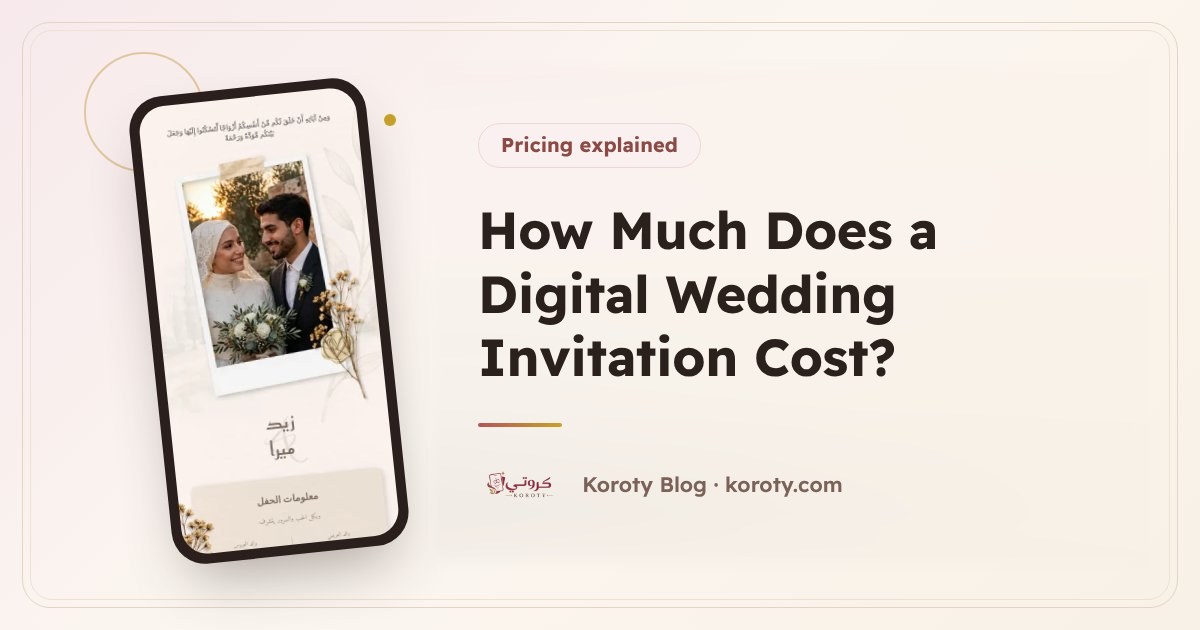

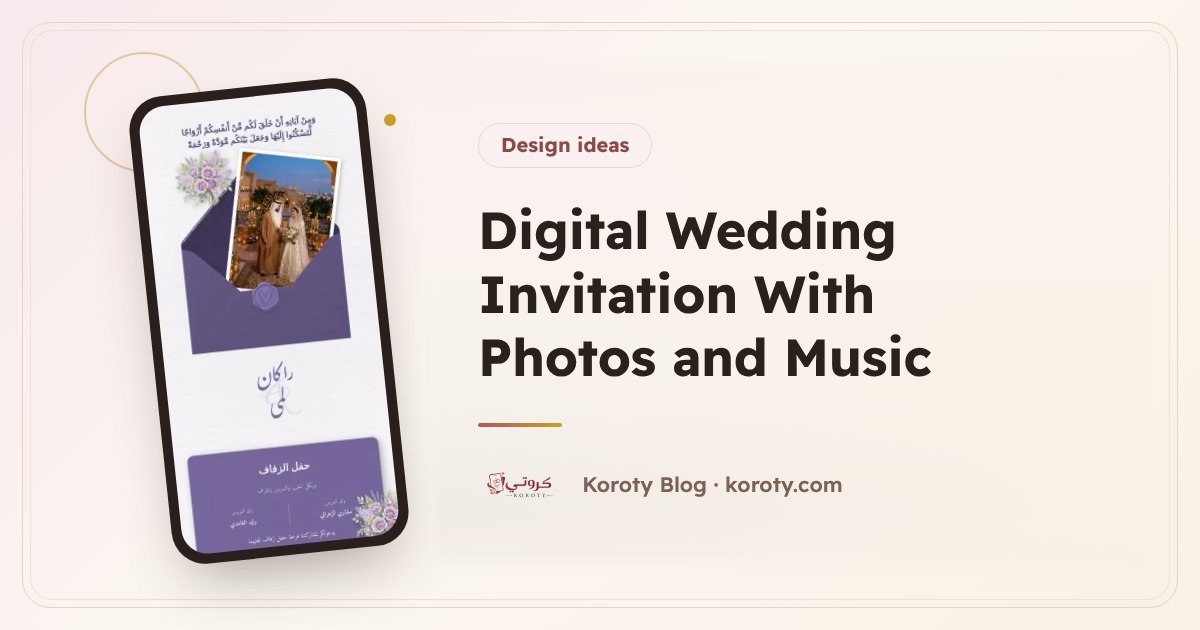
To design a standout digital wedding invitation with photos and music, choose a few clear, good-quality photos and a short, calm piece of music that plays when the guest taps it, not automatically. Then complete the experience with a countdown, a programme and a thank-you message. The secret is balance: an invitation that delights the guest and opens quickly on their phone, not a crowded page they get lost in.
What do photos and music add to a digital invitation? #
A paper invitation delivers the news. A digital one delivers something of the atmosphere of the celebration. A photo of the couple makes the invitation personal, a small gallery tells their story, and a quiet melody accompanies the guest as they read. But every addition should serve the guest: knowing the date and place, confirming attendance and feeling welcome.
On Koroty an invitation can include a photo of the couple, a photo gallery and music that plays at the guest's touch, alongside the countdown, the programme and the thank-you message. All of them are optional, and you add whichever suit you. Music and the photo album work on the free 48-hour preview link too, so you can try them with your family before activating the permanent link.
How do I choose photos for a wedding invitation? #
Quality before quantity #
One clear photo is lovelier than ten dull ones. Choose photos that are:
- Well lit, with clear faces.
- Sharp, and not cropped oddly.
- Consistent in colour as far as possible, so they look as if they came from one session.
Orientation: portrait or landscape? #
Most guests will open the invitation on a phone, and the screen is tall. So portrait or square photos usually look better, while wide landscape photos can appear small. Preview the invitation on your phone after uploading, and swap anything that doesn't show well.
How many photos are enough? #
There is no fixed rule, but less is better here. A gallery of carefully chosen photos is viewed to the end, while a long one is abandoned halfway. Choose photos that say something: one from the engagement, one from the photo session, and a candid shot you both love.
Beware of heavy files #
Photos from a professional camera can be very large. If your photographer gave you a version sized for phones or for sharing, use that.
A photo of the couple or a gallery? #
| Option | Who is it for? | Note |
|---|---|---|
| A photo of the couple only | Those who want a simple personal touch | One strong photo is enough |
| A gallery only | Those who like to tell a story in several shots | Choose a few consistent photos |
| A photo and a gallery | Those with a full photo session | Don't repeat the same photo in both places |
| No photos | Those who prefer privacy | The design alone is enough to look elegant |
Do you have to put photos in the invitation at all? #
No. Many couples prefer an invitation without photos for family or personal reasons, and that is an entirely respectable choice. Elegant invitation designs, from envelopes that open to wax seals and floral arches, are beautiful in themselves without any photo. Browse the designs and you will see that an invitation looks complete with the names, date and place alone.
If you do decide to add photos, think about who will see them. A Koroty invitation is hidden from search engines and only people who have the link can see it, but a guest may forward the link to someone else. So:
- Choose photos you are comfortable with any guest on your list seeing.
- Agree with both families before adding a photo of the bride.
- If you hesitate over a photo, the safer choice is to leave it out.
How do I choose music for a wedding invitation? #
Music plays at the guest's touch #
On Koroty the music doesn't start by itself when the invitation opens. It plays when the guest taps it. That is a courtesy to them: they may open the invitation in a meeting, in a mosque or next to a sleeping child, and they won't be startled by loud sound.
What kind of music suits? #
- Calm instrumental music: piano, oud or soft strings suit most tastes.
- A calm nasheed: a good option for those who prefer to avoid music, and common at many weddings.
- Avoid loud songs or fast rhythms, which compete with reading the invitation.
Keep it short and fitting #
A guest spends a minute or two in the invitation, so there is no need for a long file. Choose a calm piece suited to the occasion, and listen to it all the way through before uploading, to make sure it doesn't start with a long silence or a sudden loud note.
And respect your guests: what you like may not suit everyone. A calm, neutral choice is always safer than the song only the two of you love.
What completes the invitation besides photos and music? #
The countdown #
A countdown showing the days and hours left until the wedding adds a touch of excitement and reminds the guest how close the date is every time they open the invitation. With it comes a button that adds the date to the guest's calendar, so they don't forget.
The programme #
If the celebration has set items, list them with their times: the reception, the zaffa, dinner, cutting the cake. A programme helps the guest know when to arrive and what to expect. Write the main items only, and don't turn it into a minute-by-minute schedule.
The thank-you message #
A line or two at the end of the invitation thanking the guest for coming or for their prayers leaves a warm impression. For example:
Thank you for being part of our joy. Having you with us completes our happiness.
For more wording, read elegant wedding invitation wording.
How do you keep the invitation light and fast on a phone? #
A beautiful invitation that is slow to open loses half its beauty. To keep the experience light:
- Reduce the number of photos and choose only the best.
- Use photos sized for phones, not original camera files.
- Choose a short music file over a long recording.
- Don't repeat content: the same photo in two places, or the same text in two sections.
- Preview the invitation on your phone as a guest will see it, and open it once on mobile data, not only on Wi-Fi.
From my experience designing wedding cards, the invitations guests admire most are not the most crowded ones but the clearest: two beautiful names, a clear date, a map, and one or two personal touches.
A suggested order for the guest's experience #
| Stage | What the guest sees |
|---|---|
| The start | The envelope in their name, which they open with a tap |
| The welcome | The couple's and hosts' names, and the couple's photo if there is one |
| The details | The date and countdown, and the venue with its map |
| The atmosphere | The photo gallery, and music for those who tap it |
| The organisation | The programme and the notes |
| The interaction | RSVP and the guestbook |
| The close | The thank-you message |
You can change the design later without losing your details, so try more than one look until you find the one that feels like you. For the steps of creating the invitation from the start, read how to make a digital wedding invitation step by step.
Frequently asked questions #
Does the music play automatically when the invitation opens? #
No, music plays when the guest taps it. That way they aren't surprised by loud sound, and they choose for themselves whether to listen.
Can the invitation be published without photos? #
Yes, photos are optional. The designs are elegant in themselves, and the invitation looks complete with the names, date and place alone.
Can I change the photos after sending the invitation? #
Yes. Edits are saved and guests don't see them until you press "Update", and the link stays the same. Details are in editing a wedding invitation after sending.
Who can see my photos in the invitation? #
The invitation is hidden from search engines, and only people who have the link can see it. But a guest may forward the link, so choose photos you are comfortable with any of your guests seeing.
Photos from your guests #
The album is for your own photos. To collect the pictures guests take on the day, see wedding photo sharing: what to tell guests.
The bottom line #
A standout invitation isn't the fullest one. It is the most carefully made: a few clear photos, or none if you prefer, calm music that plays at the guest's touch, then a countdown, a programme and a thank-you message, all light on a phone. You can design your invitation and preview it for free, and try the photos and music before any guest sees them.