
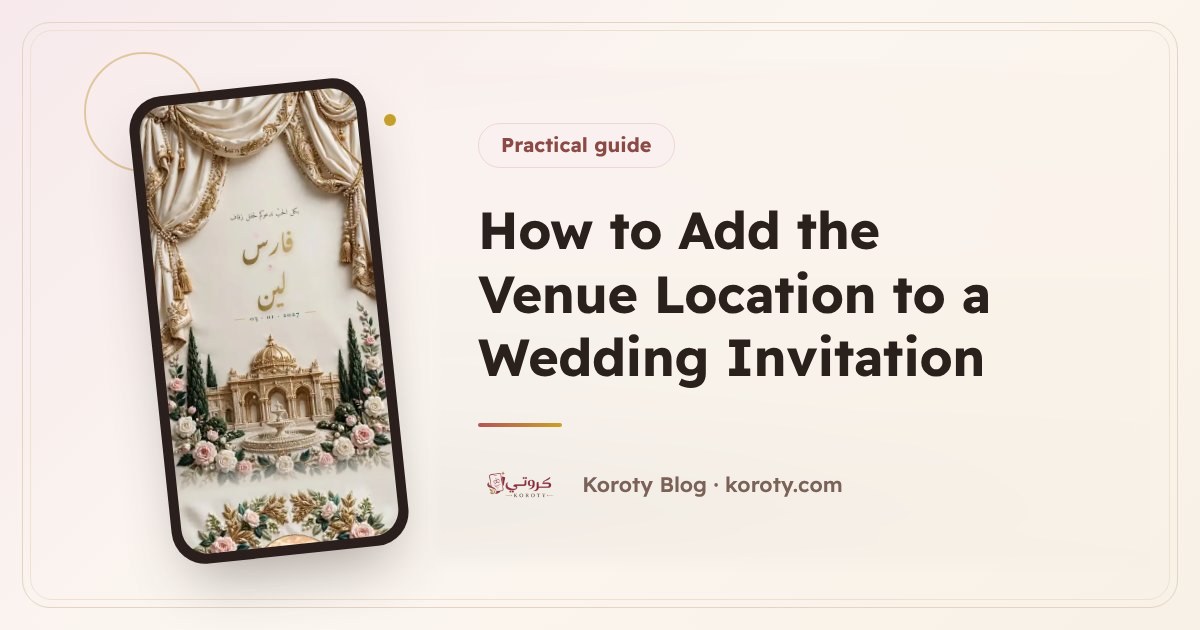
To add the wedding venue's location to a digital invitation, write the hall's name and address clearly in the venue field, then make sure the map opens at the right place. On Koroty the venue's name appears in the invitation with a map that opens with a tap, so the guest gets directions straight away. Add a note about parking or the entrance if needed, and test everything on your phone before sending.
Why does a map matter in a wedding invitation? #
The hall's name alone isn't enough for many guests. Some are coming from another city, some have never been to the area, and some halls have similar names. A map in the invitation:
- Saves phone calls: instead of ten guests calling to ask "where is the hall?", they tap the map.
- Prevents late arrivals: a guest who knows the way arrives on time.
- Helps on the day itself: the guest opens the invitation in the car and taps the map.
- Reduces mistakes, especially when the hall has branches or a name close to another's.
How do I write the venue name clearly? #
Write the name as people know it, then what sets it apart from others:
- The hall's full name: "Al-Yasmeen Celebration Hall" is better than "Al-Yasmeen".
- The area or street: "Amman, Airport Road" for example, especially if the hall has more than one branch.
- The name in both languages where needed: if the hall is inside a hotel known by its English name, or some of your guests don't read Arabic, write both names. If your invitation is in English, write the name as it appears on the venue's sign.
Avoid shorthand only the family understands, such as "the hall next to my uncle's house".
How do I get the right venue location from Google Maps? #
Before adding the venue to your invitation, check its location on Google Maps yourself:
- Open the Google Maps app or website.
- Search for the hall's name as a guest would type it.
- Make sure the result is the right hall from its photos and address.
- If several results share the name, add the area to the search until one result appears.
- Press "Share" to copy the link, and keep it to compare with what the invitation opens, or to send to anyone who asks.
If you can't find the hall on the map, ask its management what name it is registered under, because that sometimes differs from the name on the sign.
How do I add parking and entrance notes for guests? #
The map gets the guest to the building, but some details need a word from you. On Koroty you can add notes for guests that appear in the invitation, which is the right place for information such as:
- "Parking is available behind the hall."
- "Enter through the side door opposite the mosque."
- "The hall is on the second floor of the hotel."
- "Please arrive a quarter of an hour early."
Write each note in a short, clear line. A long note isn't read, and a short one is remembered.
What if there is one hall for men and another for women? #
At many of our weddings there is a place for men and another for women, in the same building or in two different ones. To make that clear:
- Put the detail in the notes: for example "The men's hall is on the ground floor and the women's hall is on the first floor".
- Use the programme if the times differ, writing each item with its time and place, such as "8:00 pm: reception for men in the main hall".
- If the two places are far apart, write the second one's name and address clearly in the notes, and mention it in the WhatsApp message too.
What matters most is that every guest knows where to go without asking. For more on arranging the invitation's content, read what to write in a wedding invitation.
How do I test the venue location before sending the invitation? #
Many people skip this step, and it is the most important. Before sending the invitation to any guest:
- Open the invitation preview on your phone, not only on a computer, since most guests will use a mobile.
- Tap the map and make sure it opens at the right hall and not at a place with a similar name.
- Try "Directions" from your home and see whether the route takes you to the right entrance.
- Send the link to someone outside the family and ask them to tell you: did they find the place from the invitation alone?
- Read the notes as a guest who doesn't know the area.
If you find a mistake after sending, there is no need to worry: on Koroty edits are saved and guests don't see them until you press "Update", and the link stays the same. Details are in editing a wedding invitation after sending.
Common venue location mistakes #
| The mistake | The result | The fix |
|---|---|---|
| Writing a shortened hall name | The map opens somewhere else | The full name with the area |
| Not trying the map | Guests arrive at the wrong branch | Tap it on a phone before sending |
| Forgetting the entrance in large hotels | Guests wander around the lobby | A short note about the floor or the door |
| Not mentioning the women's hall if it is separate | Confusion on arrival | A clear note for each place |
Frequently asked questions #
Does a guest need the Google Maps app to open the location? #
The guest needs nothing specific to the invitation: they tap the map, the venue's location opens on their phone, and they follow the directions.
Can the venue location be changed after the invitation is sent? #
Yes. Edit the venue, then press "Update", and guests see the new location on the same link. If the venue has changed completely, send guests a short alert.
Where do I write the parking information? #
In the notes for guests inside the invitation, with a short line for each item, such as where to park or which door guests use.
Should I write the venue name in Arabic or English? #
Write it as your guests know it. If the hall is known by an English name, or some guests don't read Arabic, write both.
The bottom line #
The venue location is one of the things guests open most in an invitation, especially on the day itself. Write the name in full and clearly, check the place on the map, add notes about parking and the entrance, then test everything on your phone before sending. You can design your invitation for free, add the venue with a map that opens with a tap, and preview it before anyone sees it.