
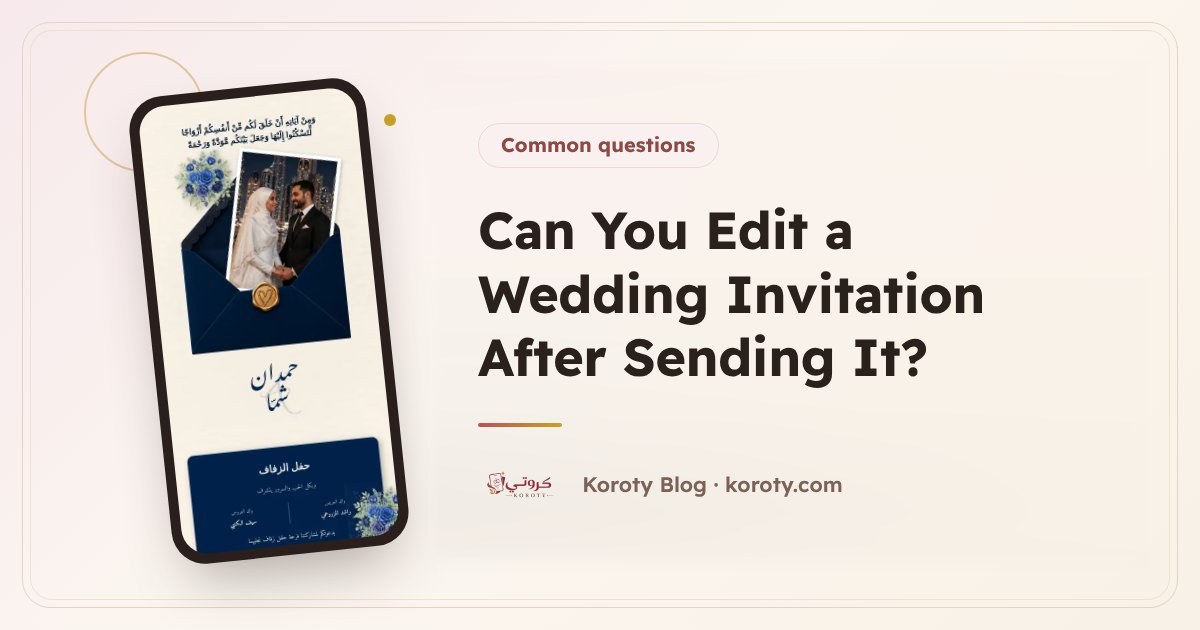
Yes, you can edit a digital wedding invitation after sending it. On Koroty your edits are first saved away from your guests, who don't see them until you press "Update". Then the changes reach everyone who has the link, because the link itself never changes, so there is no need to resend the invitation. If the change is important, such as the date or the venue, add a short message to alert your guests.
How does editing work after the invitation is sent? #
The idea is simple: a digital invitation is one page on one link. Every guest you sent the link to opens the same page, so when the page changes, everyone sees the new version.
So that guests never see a half-finished edit while you are still working on it, editing on Koroty has two stages:
- You edit and save: everything you change is saved, but stays private to you. You see it in the preview, and guests still see the previous version.
- You press "Update": only now do the changes reach guests, on the same link.
That gives you time to check everything calmly before anyone sees it.
What is the difference between a link invitation and an image invitation when editing? #
| Image invitation | Digital invitation with a link | |
|---|---|---|
| Fixing a mistake in a name | Designing a new image and sending it again | Editing the text, then "Update" |
| Changing the date | A new image, with the old one still on guests' phones | The same link shows the new date |
| Changing the venue | Resending to every guest | Editing the venue and the map, then "Update" |
| Risk of confusion | Two versions circulating among guests | Always one version on the link |
The problem with an image is that it can't change once sent. The old version stays on every guest's phone, and anyone who missed your second message may rely on it. A link always shows the latest version you published. For the full comparison between the two kinds, read digital vs paper wedding invitations.
What do I do if the wedding date or venue changes? #
A change of date or place is the most important edit there is, and quietly updating the invitation isn't enough, because a guest may not open the link again before the wedding. Follow these steps:
- Edit the invitation: change the date or time, or the venue's name and location.
- Check the preview: look at the countdown, and make sure the map opens at the new place.
- Press "Update" so the changes reach guests.
- Send a short message alerting guests to the change, with the same link attached.
- Call elders and anyone whose presence matters most to you. A call is more reliable than a message.
Ready text for a change of date #
Assalamu alaikum. We would like to let you know that the date of Omar and Rahaf's wedding has changed to Friday evening, 11 January 2027. The invitation is updated on the same link, with the new date: (invitation link). We apologise for the change and look forward to seeing you.
Ready text for a change of venue #
Assalamu alaikum. A gentle note: the wedding venue has changed to Al-Yasmeen Hall. You will find the new location on the map in the same invitation: (invitation link). We look forward to seeing you.
Make sure the text opens with the new information, because that is what shows in the phone notification. If you need other texts, WhatsApp wedding invitation messages has several.
Which edits can be published without telling guests? #
Not every edit needs a message. These are examples where "Update" alone is enough:
- Fixing a small spelling mistake.
- Adding photos to the gallery or changing the couple's photo.
- Adding the programme or a general note for guests.
- Editing the thank-you message.
- Changing the invitation's design, since the design can be switched later without losing your details.
The rule: if the edit changes when or where the guest will attend, tell them. If it is an improvement in appearance or detail, the update is enough.
What shouldn't you change too often? #
Being able to edit is an advantage, but too many changes confuse guests. Be careful with:
- The date and venue: change them only when necessary, and don't leave it to the last minute.
- The plus-one limit: if you lower it after guests have confirmed, some may feel awkward. Decide this early, and see wedding RSVP: how to know your guest count to plan it.
- The design: changing it is fine, but switching it many times after sending adds nothing for the guest.
How do I review the invitation before pressing "Update"? #
Before publishing any edit, take two minutes for this check:
- Open the preview on your phone, since most guests will open it on a mobile.
- Read the names, date and time letter by letter.
- Tap the map and make sure it opens at the right hall.
- Look at the countdown, which reveals any mistake in the date immediately.
- Ask someone else to check with you. A second pair of eyes sees what you missed.
Frequently asked questions #
Does the invitation link change after an edit? #
No, the link stays exactly as it is. Every guest who has it sees the changes after you press "Update".
Do guests see my edits while I am working on them? #
No. Edits are saved and guests don't see them until you press "Update", so you can work on them calmly.
Can the invitation's design be changed after sending? #
Yes, the design can be changed later without losing your details. Choose the new design, check it in the preview, then press "Update" for guests to see it on the same link.
Do I need to resend the invitation after changing the date? #
You don't need to send a new invitation, because the same link shows the new date. But send a short alert so guests know about the change.
When the whole date moves #
If the wedding itself is postponed, the message to guests matters as much as the edit. See how to announce a wedding postponement for wording.
The bottom line #
Editing a wedding invitation after sending it is possible and easy: edit, check the preview, then press "Update" and the changes reach everyone on the same link. When the date or venue changes, add a short message and a call to those who matter most. If you want an invitation that stays editable right up to the day, try designing yours on Koroty for free.