
WhatsApp is now the fastest and most familiar way to deliver a wedding invitation. But there is a big difference between an invitation that arrives as an image lost among hundreds of messages and one that arrives in the guest's own name, opens with a tap and lets them confirm in seconds. This guide explains, step by step, how to send your wedding invitation on WhatsApp in a way that suits the occasion and saves you dozens of phone calls.
Why is WhatsApp the best fit for wedding invitations? #
In most Arab households, WhatsApp is the app everyone opens every day: uncles, aunts, friends and colleagues. Sending the invitation there means:
- Instant delivery to the guest wherever they are, at home or abroad.
- No printing or delivery costs, and no paper cards lost on the way.
- Easy edits: if a date or venue changes, you update the invitation instead of reprinting.
- Direct interaction: the guest can reply and send congratulations from their phone.
A WhatsApp invitation succeeds because of how you send it, not because of the app itself.
The difference between an invitation image and an invitation link #
The usual approach is to design a picture of the card and send it to everyone. The trouble is that an image:
- Doesn't carry the guest's name, so it feels like a mass message.
- Has no map that opens with a tap, no countdown and no music.
- Doesn't tell you who is coming, so you end up calling everyone.
- Has to be resent in full for any change.
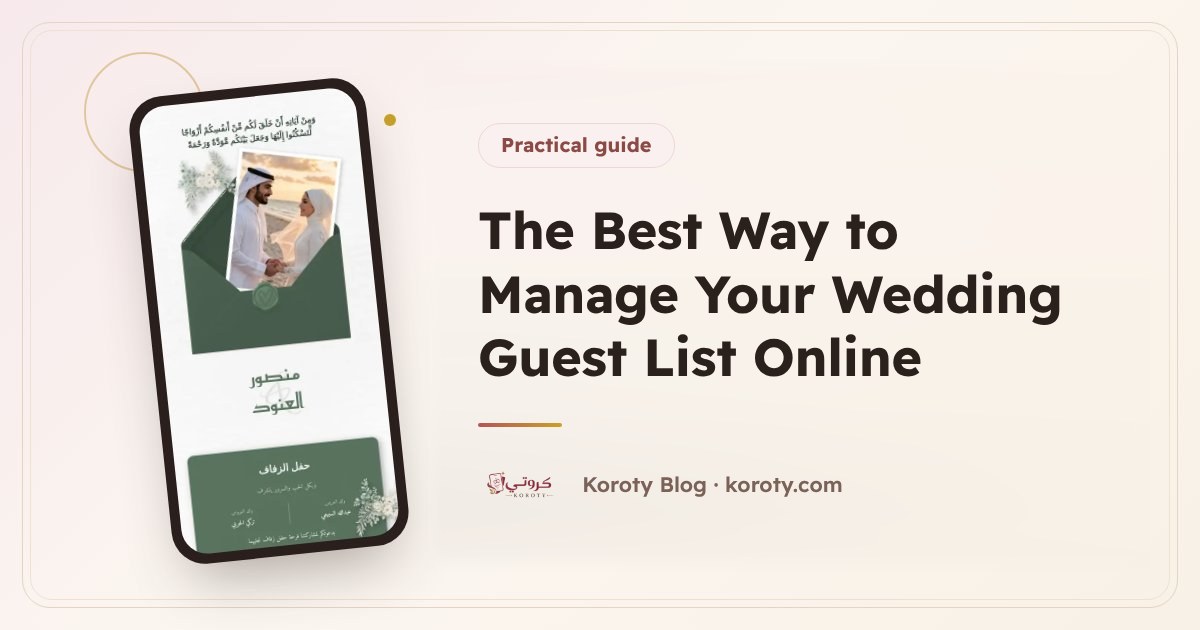
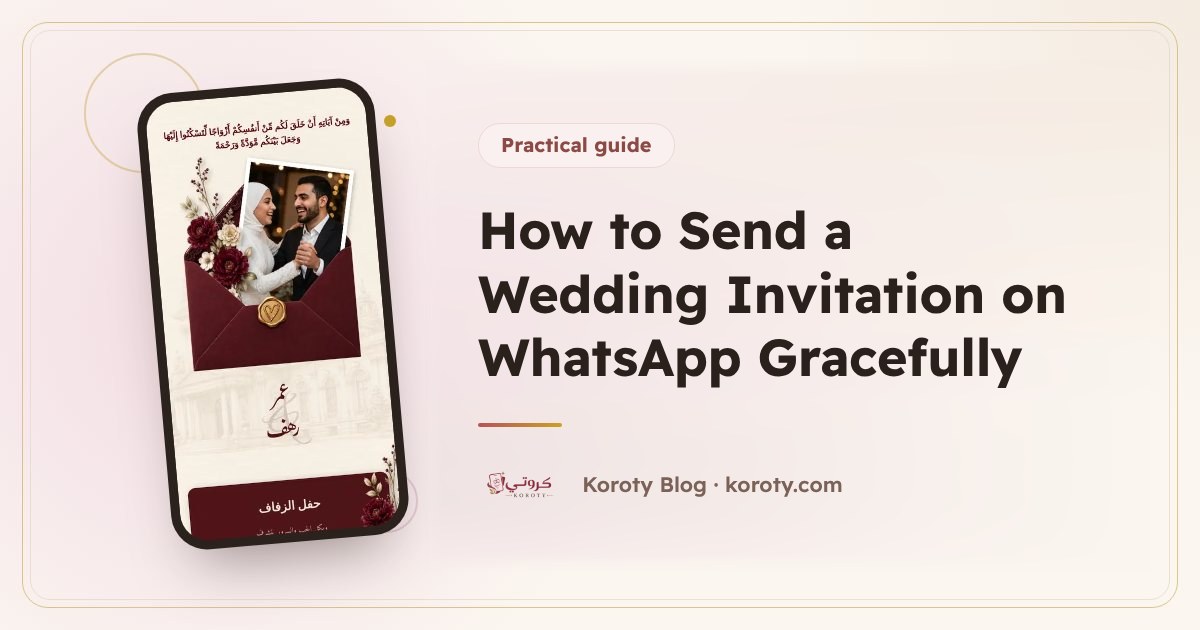
A digital invitation with a link is a beautiful page that opens on the phone: the envelope, the names, the date, the venue on the map and a button to RSVP. When each guest has their own link, the invitation appears in their name, and you know exactly who replied and who didn't. If you haven't decided between paper and digital yet, read the complete guide to digital wedding invitations.
Steps for sending a wedding invitation on WhatsApp #
1. Design the invitation and complete its details #
Start by choosing a design you both like, then add the essentials: the couple's names, the hosts' names if you wish, the date and time, and the venue's name and location. On Koroty you can try the designs and preview the whole invitation for free before any other step.
2. Prepare the guest list #
Write guests' names the way you want them to appear in the invitation: "Umm Khaled", "The Hassan family", "Mr Sami". A carefully written name is half the impression. If you haven't built the list yet, here is a practical guide to building your wedding guest list.
3. Send each guest their own link #
Instead of one group message, send each guest a message that opens with their name and carries their link. When the guest opens it, they see their name on the envelope and feel the invitation was written for them alone. In the Koroty dashboard, you just press "Send" next to the guest's name, and WhatsApp opens with the message ready with their name and link.
4. Follow the replies from one place #
Every guest who taps "I'll attend" or "I can't make it" shows up in your list straight away, with the number of people coming with them if you allowed that. You then know the real headcount before confirming with the venue.
A ready WhatsApp message for the invitation #
Here is a short, warm text you can adapt:
Assalamu alaikum. It would be an honour to have you at the wedding of our son Omar and Rahaf on Thursday evening, 3 January 2027. Please open the invitation and confirm your attendance here: (invitation link)
And a shorter version for friends:
Hi Sami, it wouldn't be the same without you! Here is your invitation to our wedding, with the date and the venue location: (invitation link)
A tip: put the link at the end of the message, and make the first line the guest's name or a personal greeting, because that is what shows in the notification preview. More samples are in WhatsApp wedding invitation messages.
Common mistakes when sending invitations on WhatsApp #
- Sending to a big group: the sense of a personal invitation disappears, and everyone starts replying in the group.
- Sending late at night: choose a suitable time, such as late afternoon or early evening.
- A very long message: the details belong in the invitation. The message is a greeting and a link.
- Forgetting elders: some need a phone call alongside the message, out of respect.
- Not following up: someone who hasn't opened the invitation after a few days may not have seen it at all, so remind them kindly.
When should you send the invitation? #
Timing is part of the etiquette. The general rule is for the invitation to arrive three to four weeks before the wedding, with a gentle reminder two or three days before. For weddings that involve travel, send much earlier. The full schedule is in when to send wedding invitations.
What makes the invitation arrive with a beautiful preview? #
When you paste the invitation link into WhatsApp, the app shows an image, a title and a description under the message. That preview is the first thing the guest's eye falls on, so make sure the image is elegant and the title is clear, such as "Omar & Rahaf's wedding invitation". On Koroty you can change the preview image and its text from the share page.
The bottom line #
A wedding invitation on WhatsApp is more than a message. It is your guests' first meeting with your celebration. Send it in each guest's name, make it open with a tap, and follow the replies from one place, and you save time and know your headcount accurately. You can design your invitation for free now and send it to your guests in minutes.
Frequently asked questions #
Should I send the invitation in a WhatsApp group or to each guest? #
To each guest. A one-to-one message starts with their name and carries their own link, so it feels personal, and their reply stays between you instead of filling a group chat.
What is the best time to send a wedding invitation on WhatsApp? #
Late afternoon or early evening, not late at night or during working hours. Send it three to four weeks before the wedding, with a reminder two or three days before.
How do I invite a guest who doesn't use a smartphone? #
Call them, or send the invitation to a son, daughter or close relative who can pass it on. Older relatives in particular appreciate a call alongside the message.
Why doesn't the invitation preview appear when I paste the link? #
WhatsApp builds the preview after you paste the link, and it can take a few seconds. Wait until the image and title appear under your message before you press send.
Can I send the invitation to all my guests at once? #
WhatsApp broadcast lists only reach people who have saved your number, so one-to-one messages are more reliable. On Koroty you press "Send" next to a guest's name and WhatsApp opens with the message and their link ready.