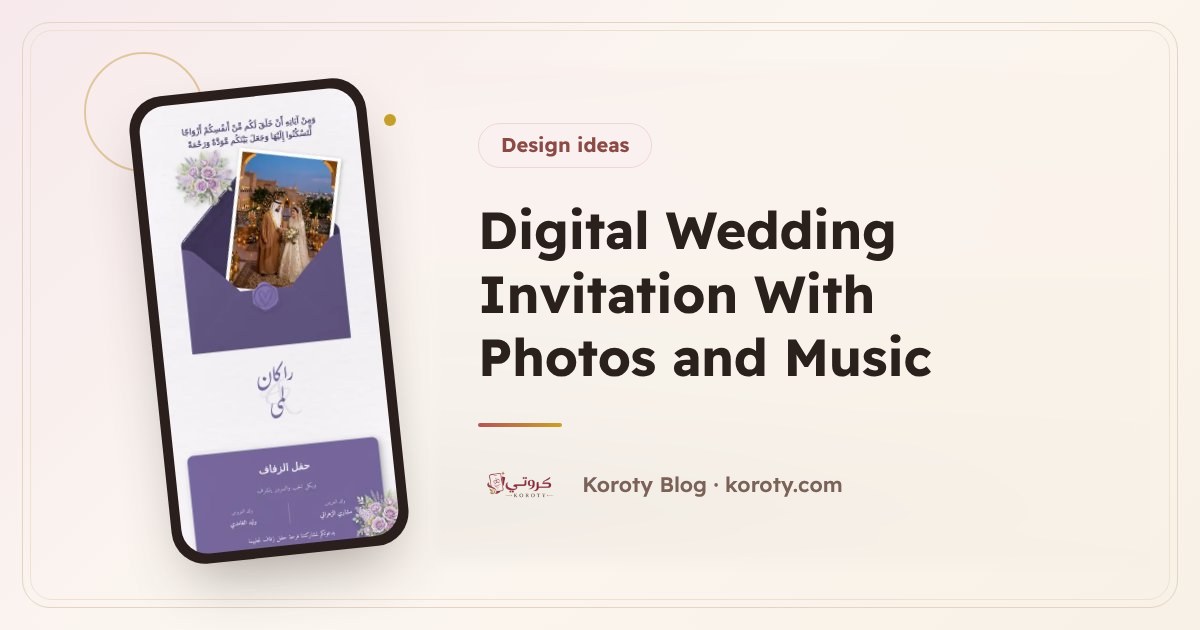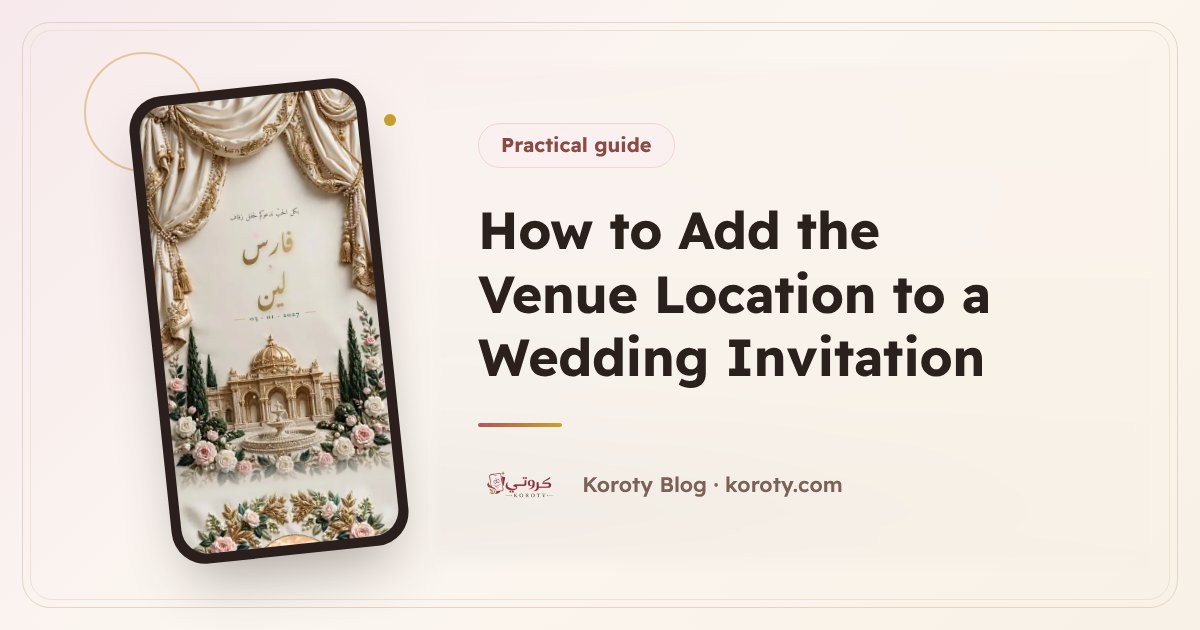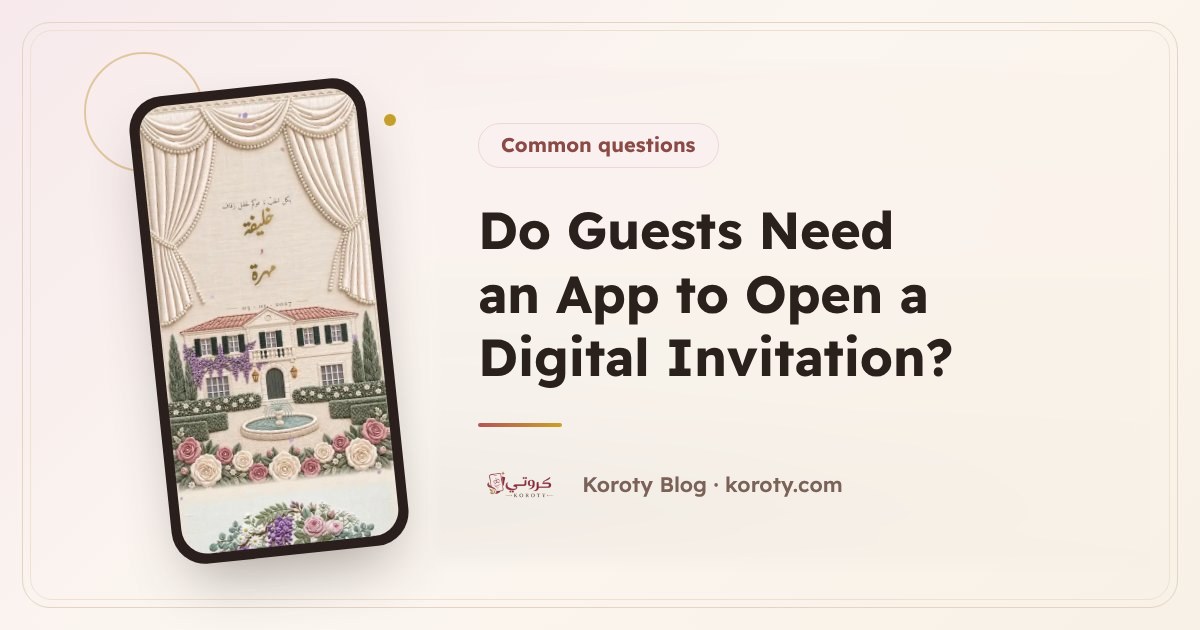

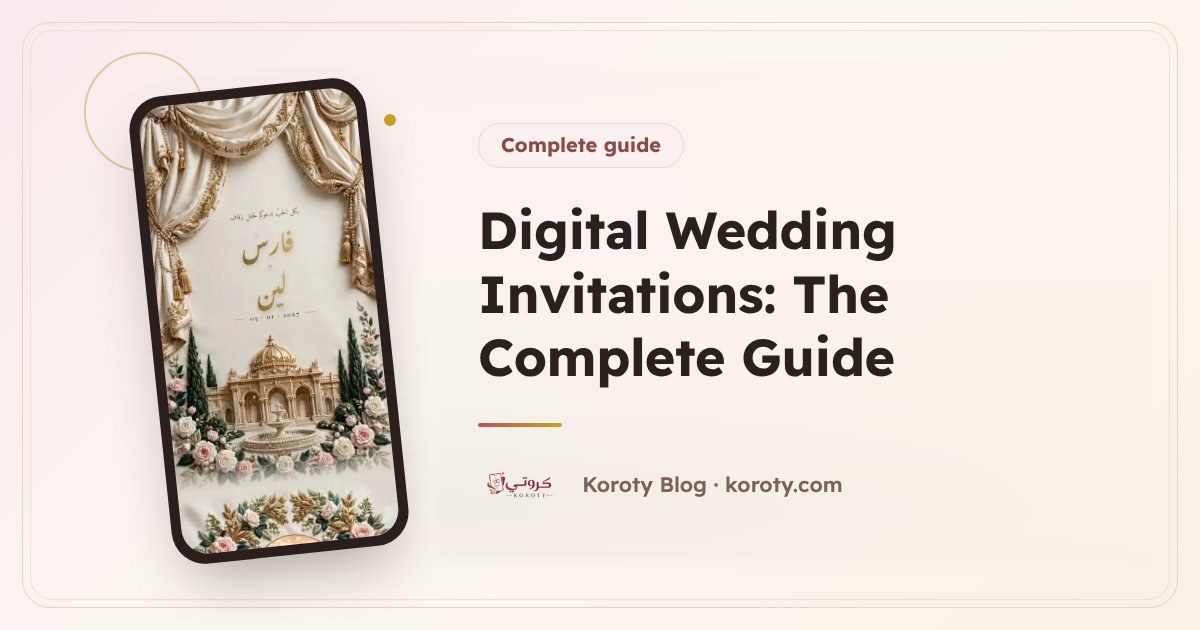
A digital wedding invitation is an elegant page behind a single link that you send on WhatsApp. Your guest opens it on their phone with no app and no account, sees the couple's names, the date and the venue on a map, and confirms attendance with one tap. You see who is coming and who can't make it as the replies arrive. This guide covers everything: content, design, sending, follow-up and cost.
What is a digital wedding invitation? #
It is an online wedding invitation that opens in any browser, on a phone or a computer. It is not a picture of a card sent to everyone. It is an interactive page with sections: the envelope, the names, the date, the venue with a map, perhaps photos, music and the programme of the evening, and then a button to RSVP.
The biggest difference from an image is that a digital invitation works both ways: you send it, the guest answers it, and the information you used to collect through dozens of phone calls simply arrives.
Why are couples moving to digital invitations? #
- It arrives instantly: one WhatsApp message per guest, at home or abroad.
- No printing, no delivery: no cards stuck at the print shop and no trips to hand them out.
- You know the real headcount: guests confirm and say how many are coming with them, so you know what the venue needs.
- It can be edited after sending: if a time or venue changes, you update the same invitation instead of reprinting.
- It feels more personal: it can reach each guest by name, so it reads as written for them.
From my experience designing wedding cards one client at a time, what worried couples most after sending was edits and knowing who would attend. Those are exactly the two things a digital invitation solves.
Still weighing the two options? Read digital or paper wedding invitation?.
What should a digital wedding invitation include? #
The essentials no invitation can do without:
- The couple's names, and the hosts' names if that is your custom (the parents or the two families).
- The date and time, clearly, with the day of the week.
- The venue by name, with a map location that opens with a tap.
- RSVP: "I'll attend" or "I can't make it", with the number of people.
And extras that make it more beautiful and more useful:
- A countdown to the day.
- An "add to calendar" button.
- A photo of the couple and a gallery.
- Music that plays when the guest taps.
- The programme of the evening with its timings.
- Notes for guests, such as an adults-only request or the arrival time.
- A guestbook where guests write their wishes.
- A closing thank-you message.
For wording every one of these sections, read what to write in a wedding invitation, and for formal wording see elegant wedding invitation wording.
How do you create a digital wedding invitation? #
In short:
- Pick a design that feels like your wedding. Koroty has 14 designs in Arabic and English, including envelopes that open, wax seals, floral arches and minimal designs, and you can switch design later without losing your details.
- Add the details: names, date and venue.
- Add the extras you want: photos, music, programme, notes.
- Preview the invitation exactly as a guest will see it.
- Publish it and get its link.
On Koroty, designing and previewing is free with no account, and the preview link is free too: it only needs signing in with a code sent to your email, with no card. The full walkthrough is in how to make a digital wedding invitation step by step.
How do you send the invitation on WhatsApp? #
The most gracious way is to send each guest their own link, not one general link in a group. When the guest opens their link, their name appears on the envelope.
On Koroty you press "Send" next to the guest's name in the guest list, and WhatsApp opens with the message ready, carrying their name and link. "Send to next" moves to the next guest who hasn't received it, so you get through the whole list quickly. The WhatsApp message text can be edited, and so can the preview image that appears under the link.
Details and common mistakes are in how to send a wedding invitation on WhatsApp, with ready-made texts in WhatsApp wedding invitation messages. For timing, read when to send wedding invitations.
How does RSVP work? #
The guest taps "I'll attend" or "I can't make it" and chooses the number of people within a limit you set, for the whole invitation or per guest. You can add your own questions if you need them.
Replies appear in your dashboard straight away with clear numbers: how many are attending, how many declined, how many haven't answered, and how many have received the invitation. A "Remind" button sends a reminder to anyone who opened the invitation but didn't reply. If the term is new to you, start with what is RSVP in wedding invitations.
How do you manage the guest list online? #
The list is the heart of a digital invitation. On Koroty you can add guests in several ways:
- One by one.
- By pasting a list of names in one go, with the phone number after a comma.
- From your phone contacts (on Android).
- From an Excel or CSV file.
You can sort them into groups such as "Groom's family" and "Bride's family", and set the number of seats per guest. The "family link" lets the couple send a link to their parents so relatives add their own guests, and nobody has to collect names over the phone. At the end you can download the guest list and replies as an Excel or CSV file. The full explanation is in managing your wedding guest list online.
What is a QR code for in a wedding invitation? #
There are two uses:
- Entry tickets: an option you switch on, so every guest who confirmed gets a ticket with a QR code and an optional table number, which the organiser scans at the door with a phone camera. Useful for weddings that need controlled entry.
- A general code for the invitation: you can download it as an image and print it, on a paper card for example, so the guest opens the invitation from it.
Details in QR codes in wedding invitations.
Can you edit the invitation after sending it? #
Yes, and it is one of the main advantages of a digital invitation. On Koroty your edits are saved privately and guests don't see them until you press "Update", so you can review everything calmly first. The link never changes, so there is nothing to resend. Read editing a wedding invitation after sending.
Who can see the invitation, and what happens after the wedding? #
The invitation is hidden from search engines and only people who have the link can see it. It stays online after the wedding with no expiry date until you delete it, so you can return to it and to the wishes whenever you like.
Do I need paper invitations as well? #
Not necessarily. A digital invitation is enough for most guests because it reaches the phone they use every day. Some families still like to print a small number of cards for elders, or for people who should receive the invitation by hand as a mark of respect. In that case you can print the invitation's general QR code on the card, so the guest gets the touch of paper and the ease of the link: they scan the code, see the map and date, and RSVP. You don't have to print every detail, and you don't lose the replies of those who received a paper card.
How much does a digital wedding invitation cost? #
Prices differ from one platform to another, so read the details before choosing: is it a subscription or a one-time payment? Does the free plan expire or limit the number of guests?
On Koroty:
- Preview: free, with a link that has every feature for 48 hours so you can try the invitation with your family. Nothing is deleted afterwards: the invitation, its guests and their replies are kept until you activate it.
- Activation: one payment per invitation, with no subscription. It makes the same link permanent, with unlimited guests and replies, no mark or banner, and music and the photo album.
- Further invitations: every invitation after your first paid one is 50% off automatically.
Payment is handled by Lemon Squeezy by card, Apple Pay, Google Pay or PayPal. Because the invitation can be tried free before paying, there are no refunds for a change of mind, with a full refund for a double charge or a technical fault that prevented publishing. Details are on the pricing page and in how much a digital wedding invitation costs.
What should you look for in a digital invitation platform? #
| Feature | Why it matters | On Koroty |
|---|---|---|
| Try before you pay | To see the full invitation before deciding | Free design and preview, plus a 48-hour preview link |
| A permanent link once paid | So the invitation doesn't stop before or after the wedding | An activated link has no expiry date |
| One payment, no subscription | To know the cost from the start | One payment per invitation (pricing) |
| A link in each guest's name | A personal invitation, not a mass message | The guest's name on the envelope |
| Easy sending on WhatsApp | To save time with a long list | "Send" and "Send to next" |
| RSVP with a set party size | To know the real headcount | A limit per invitation or per guest |
| Editing after sending | Because details change | Same link, after "Update" |
| No app or account for guests | Because elders are guests too | A link that opens in any browser |
| Privacy | Because it is a family occasion | Hidden from search engines |
| Data export | For the venue or the organiser | Excel/CSV download |
For choosing the design itself, read how to choose the right wedding invitation.
From idea to wedding day: a suggested timeline #
This is a general plan you can adapt to your own date:
| Stage | What you do |
|---|---|
| Once the date and venue are fixed | Pick the design, add the essentials and preview the invitation |
| A few days before sending | Finish the guest list and send the family link so relatives add their guests |
| Three to four weeks before the wedding | Publish the invitation and send it to each guest by name |
| Over the following weeks | Follow the replies and remind those who opened but didn't answer |
| A few days before the wedding | Check the final count and download the list for the venue or organiser |
| On the day | Scan entry tickets at the door if you enabled them |
| After the wedding | Read the wishes and keep the invitation as a keepsake until you choose to delete it |
For the full wedding checklist, not just the invitation, read the wedding planning checklist.
Common mistakes with digital invitations #
- One general link for everyone: it works, but you lose the guest's name on the envelope and you can't tell exactly who received the invitation.
- Leaving the party size open: set the number allowed for the whole invitation or per guest, or you may be surprised by a bigger crowd than expected.
- A long WhatsApp message: a greeting and the link are enough. The details belong in the invitation.
- Forgetting to follow up: someone who hasn't opened the invitation after a few days may not have seen it, so remind them kindly.
- Sending before reviewing: check the names, date and venue twice. You can still edit later, but a first impression only happens once.
- Overlooking elders: the invitation opens with a tap and needs no app, yet many of them appreciate a phone call alongside the message.
Does a digital invitation work for events other than the wedding? #
Yes. You write the text however you wish, so the invitation suits an engagement, a nikah or katb al-kitab, a henna night and a reception. For wording, read engagement invitation wording and nikah invitation wording.
Frequently asked questions #
Does a guest need an app to open a digital invitation? #
No. The invitation is a link that opens in any browser on a phone or computer, and the guest needs neither an app nor an account.
Can I try the invitation on Koroty before paying? #
Yes. Designing and previewing are free, and the preview link has every feature for 48 hours so you can try it with your family. Nothing is deleted when it ends, and the same link comes back as soon as you activate it.
How much does activating an invitation on Koroty cost? #
One payment per invitation, with no subscription; the price for your country is on the pricing page. It makes the same link permanent, with unlimited guests and replies, no mark or banner, and music and the photo album. Every invitation after your first paid one is 50% off automatically.
If I edit the invitation after sending, do I send it again? #
No. Edits are saved and guests don't see them until you press "Update", and the link doesn't change, so guests get the new version on the link they already have.
Can strangers see my invitation? #
The invitation is hidden from search engines, and only people who have the link can see it. It stays online after the wedding until you delete it.
The bottom line #
A digital wedding invitation gathers into one link what used to take a card, a print shop and many phone calls: a design worthy of the occasion, sending by each guest's name, an RSVP that tells you the real headcount, and edits with nothing to resend. Start with the essentials, add what suits your wedding, then send it and follow the replies from one place. You can design your invitation on Koroty, preview it and try it for free, then decide whether to activate it.