

Design your henna night invitation card
Design a henna night invitation for the bride, the groom or both, add the names and date, and download it as an image ready for WhatsApp. Free, no sign-up.
How to use it
Pick the occasion and a design
Wedding, Nikah, engagement or henna, then one of the ready backgrounds.
Add the names and the date
Names, date, time and venue. The weekday is filled in for you.
Download and send
A phone-size image to save or send on WhatsApp straight away.
Want an invitation that greets each guest by name?
Koroty’s interactive invitations are a personal link for every guest: they see their name, RSVP in one tap and open the venue on a map.
- Each guest’s name on their invitation
- RSVP with party size
- The venue on a map
- A countdown to the day
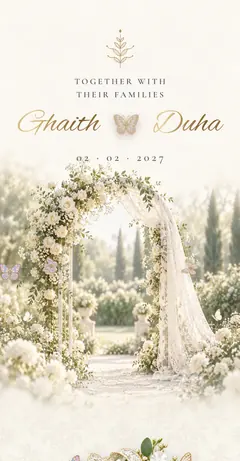

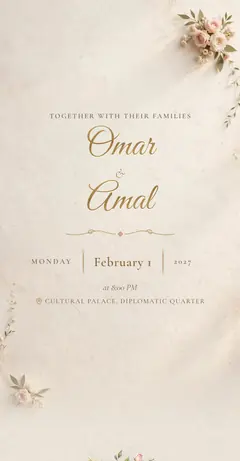
Examples from the card maker
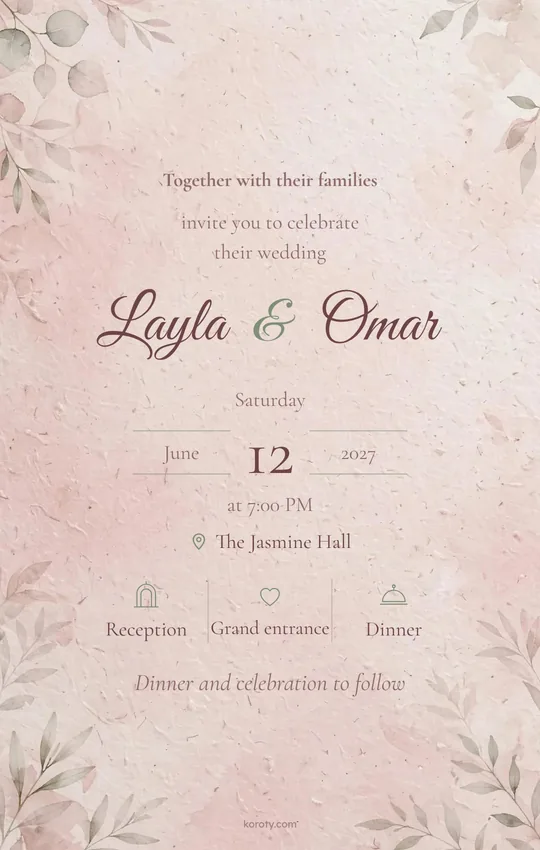
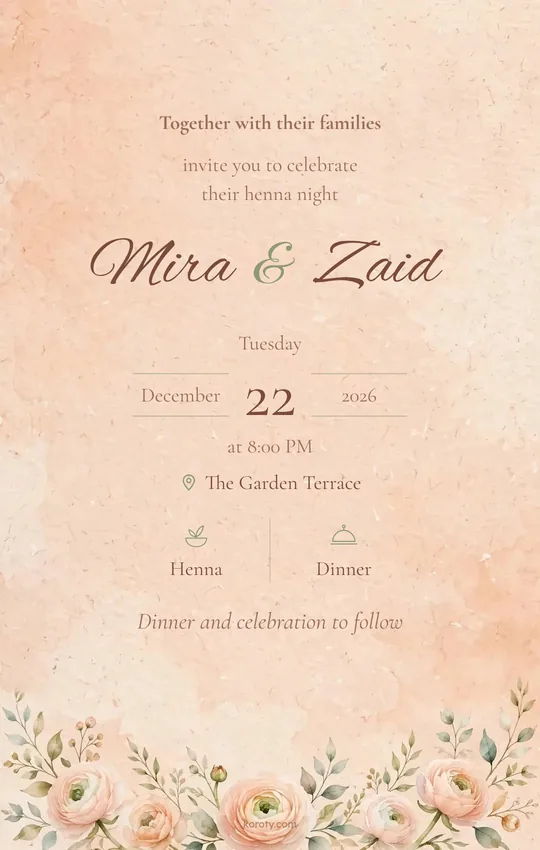
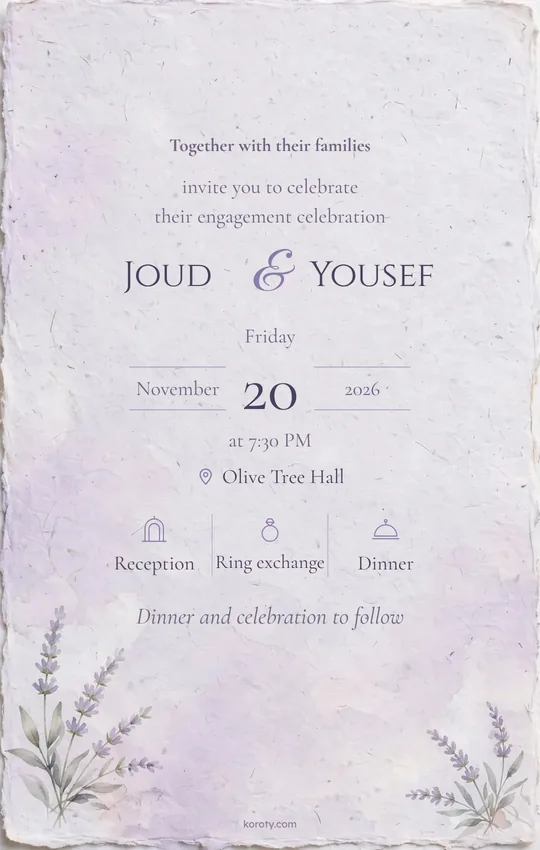
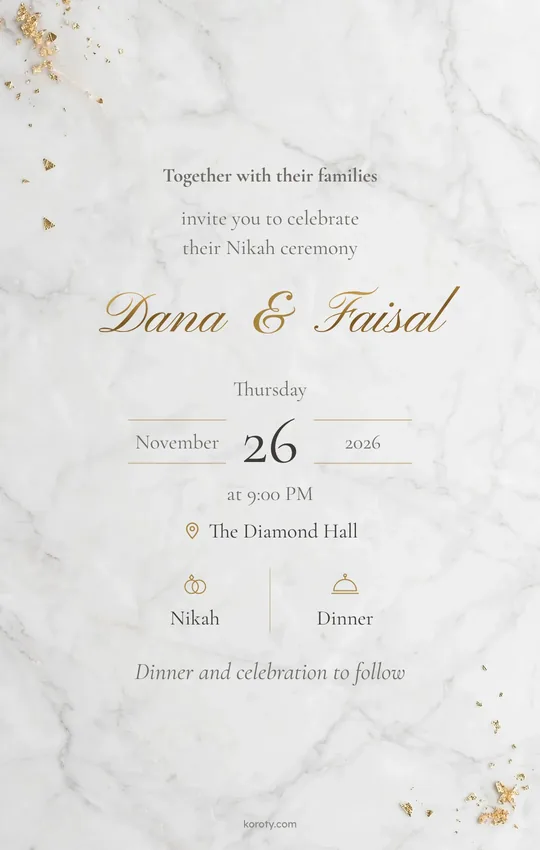
A henna card for the bride, the groom or both
In the Gulf the henna night is usually the bride’s, hosted by the mothers. In Jordan and the Levant it can be the groom’s, with the groom’s bath and an evening party, the bride’s, or both. Choose who the henna night is for under Details, and the card shows the right name.
What to write on a henna invitation
Keep it short: who is inviting, an invitation to the henna night, the bride’s or groom’s name, and the date, time and place. Then add up to three program items with icons, such as reception, henna and dinner, or the groom’s bath, henna and an evening party.
Sending it on WhatsApp
On a phone, “Save or share the image” opens the share sheet so you can send the card straight away; on a computer it downloads as a file. For a link that greets each guest by name, with RSVP and the venue on a map, try “See your interactive invitation” above or browse invitation designs.
FAQ
Can the card be for the bride only?
Yes. In the Details tab, choose the bride only or the groom only, and the card shows that name alone.
What goes on a henna invitation?
Usually who is inviting, an invitation line, the bride’s or groom’s name, the date and place, and a short program such as reception, henna and dinner.
Is the card maker free?
Yes. It’s completely free, with no sign-up and no account, and you can download your card as many times as you like.
What kind of card does it make?
A digital invitation card: one phone-size image with your names, date and venue that you send on WhatsApp or post in stories, instead of a printed card. Henna, engagement and Nikah each have their own page.
Do you store the names I type?
No. What you type stays in your browser and is saved on your device only, and the image is drawn on your device. If you open the interactive invitation preview, we send the names and date to our server only to draw that preview, and we don’t store them.
What size is the image?
1080×1700 pixels as a JPG, the shape of a phone screen, so it shows in full on WhatsApp and in stories.
Is there a watermark?
Yes, a small “koroty.com” at the bottom of the card.
What’s the difference between this card and a digital invitation?
The card is one image everyone sees. A Koroty digital invitation is a link that reaches each guest by name, with RSVP, the venue on a map and a countdown, and you can see who’s coming.
Cards for other occasions
Helpful reads
When you’re ready, your digital invitation takes minutes
Design your wedding invitation, send it to each guest on WhatsApp with a personal link, and see who’s coming. Designing and previewing are free.
Choose your invitation design