

A digital wedding invitation you send on WhatsApp
A complete invitation that arrives in a WhatsApp chat with an image and a title, with a private link for every guest that shows their name. They open it without an app, reply from it, and you see the answers as they come in.
No app for guests, no card to start.
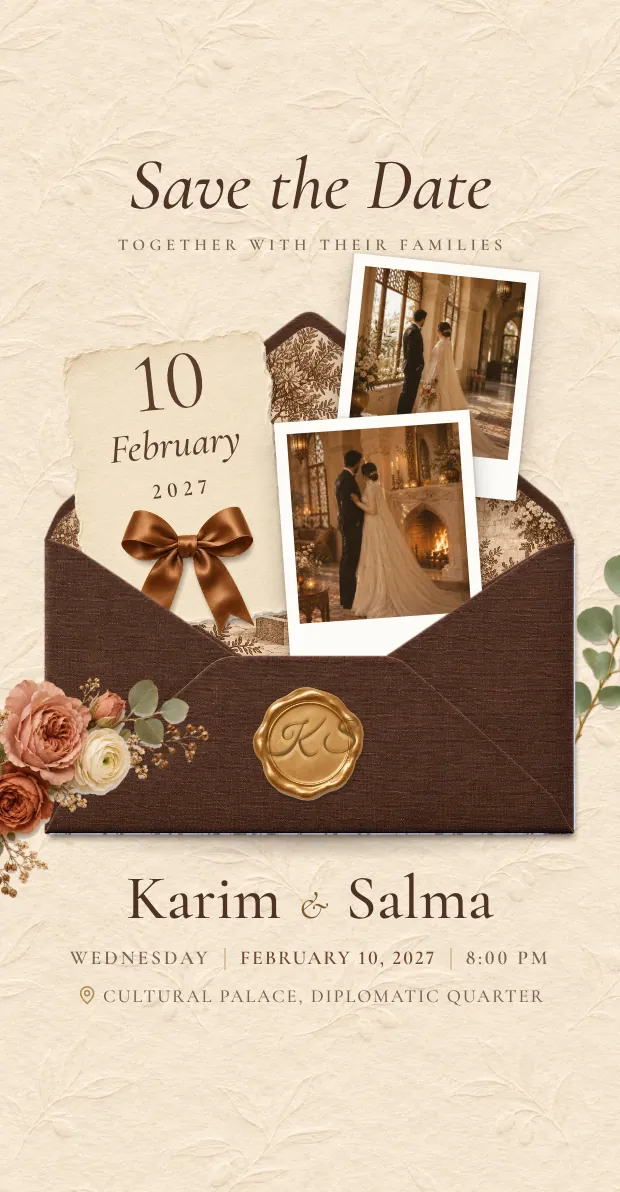
Everything a WhatsApp invitation needs
A neat preview in the chat
The link shows in WhatsApp with an image, a title and a description. Use your own photo if you like or keep the design’s image, and the title is written from your names and date.
A link with each guest’s name
Each guest opens their own link and sees their name on the invitation, never the guest list or other replies.
Send in one tap
From your guests page each guest’s button opens WhatsApp with their message and link ready, and you see who you have sent to.
A message in your words
Edit the message text, and the words in braces are filled in for each guest: their name and link, your names, the date and the venue.
RSVP from the link
Guests confirm or decline right from the invitation, and replies reach your guests page.
A reminder for those who haven’t replied
For guests you sent to who haven’t replied yet, a gentle reminder is ready on WhatsApp in one tap.
From design to WhatsApp in three steps
Pick a design and add the details
Your names, the date, the venue and its map location, in Arabic or English.
Add your guests
One by one, as a pasted list, or from an Excel file.
Send each guest their link
A WhatsApp button next to every name, then follow who is coming and who isn’t.
WhatsApp wedding invitation FAQ
Do guests need an app to open the invitation?
No. The invitation is a link that opens from WhatsApp straight in the phone’s browser, with no app and no account.
Do I send it to each guest or to a group?
Each guest’s own link works best: they see their name on it and you know their reply by name. If you share it in a group, the general link works too and each guest types their name when replying.
Why doesn’t the invitation image show on WhatsApp?
The preview shows when the message contains the full link, and can take a few seconds on a weak connection. If you change the image, WhatsApp keeps the old one in chats where the link was sent before, and shows the new one elsewhere.
Can I write the invitation message myself?
Yes. Edit the message as you like, and words in braces such as {name} and {link} are filled in automatically for each guest.
Can I edit the invitation after sending it?
Yes. The change reaches every guest on the same link when you press Update, with nothing to resend.
How much does a WhatsApp wedding invitation cost?
You design and preview it free, try it with a 48-hour preview link with every feature, then pay once per invitation with no subscription. Pricing
Helpful guides
- Wedding Invitation Message for WhatsApp: 20 Samples to Copy
- How to Send a Wedding Invitation on WhatsApp Gracefully
- Short Wedding Invitation Wording for WhatsApp and SMS
- How to Make a Digital Wedding Invitation Step by Step (With Pictures)
Also see
Get your invitation ready for WhatsApp
Design and preview it free, then send it to your guests when it’s ready.
Pick a design and start free