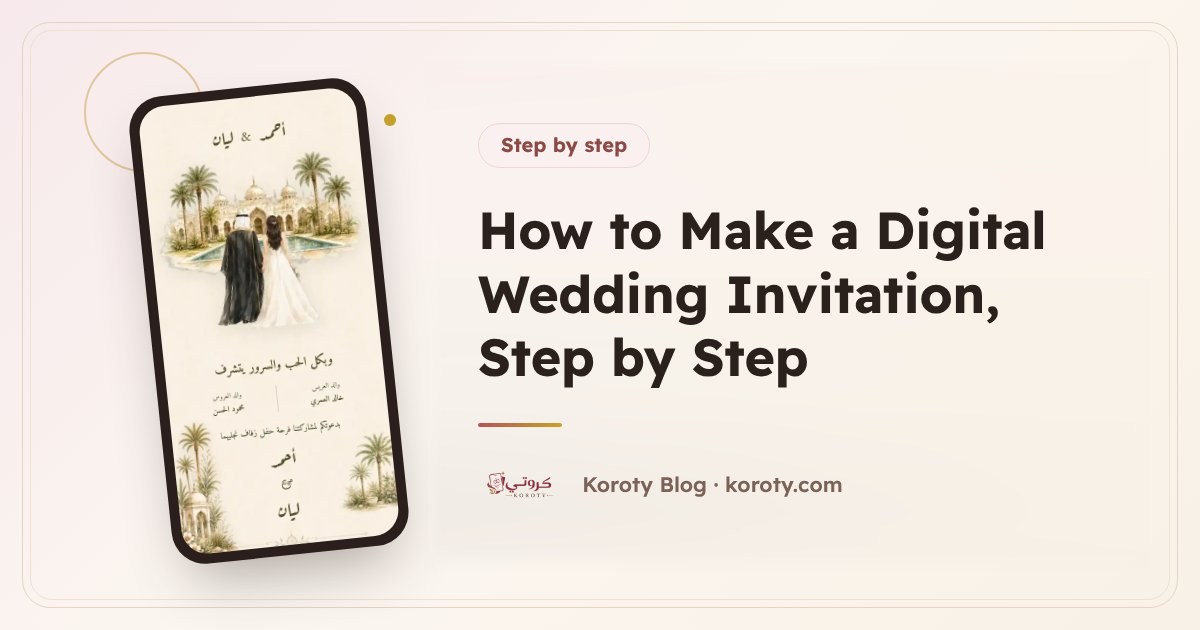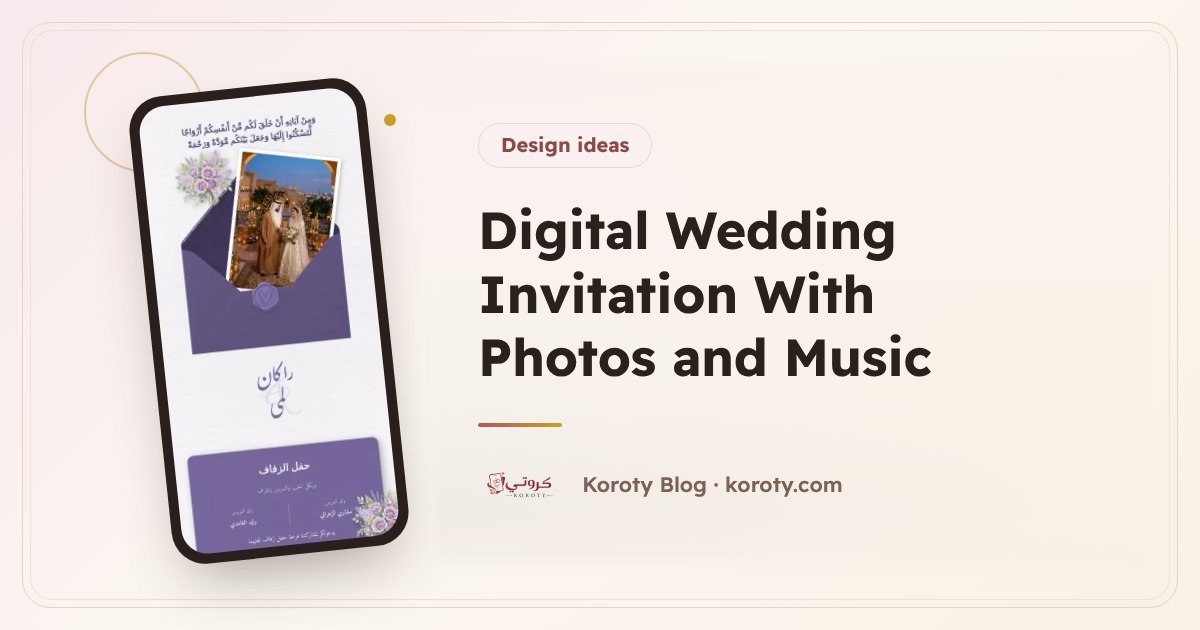

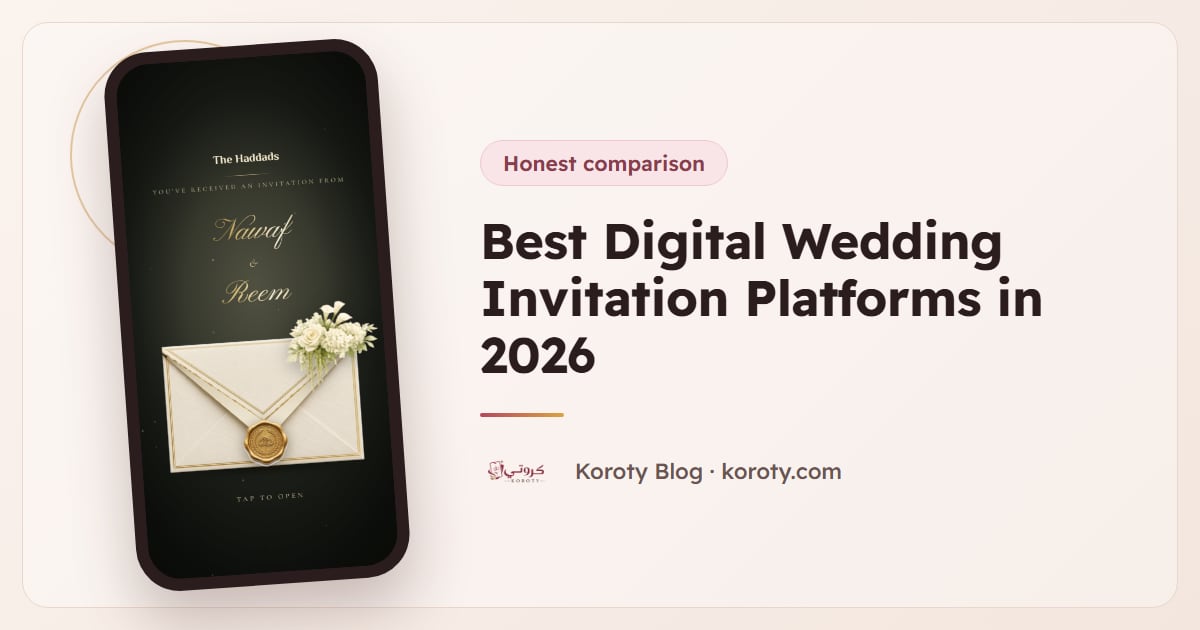
The best digital wedding invitation platform depends on how you send and how many guests you have. Greenvelope and Paperless Post are strong if you want the platform to email your guests for you. Joy is free if you also want a wedding website. Koroty suits couples who send by WhatsApp or text, want a personal link for every guest, and prefer one flat payment instead of pricing by guest count.
I build one of the platforms on this list, so I'll be upfront about that. Instead of telling you Koroty wins everything, this guide shows how each platform actually charges, what your guests experience, and where each one is weak. All prices below were checked on each company's own pricing page in October 2026. Prices change, so check again before you pay.
What should you compare before choosing a platform? #
Most invitation sites look similar on their home page. The differences show up in five places:
- How the price is calculated. Some charge per guest, some by guest-count tier, some a flat price per invitation, and some are free and earn money elsewhere.
- How the invitation reaches guests. Does the platform email or text your guests, or do you share a link yourself?
- What guests see. Ads, a sign-up prompt, or a clean page with your names on it.
- RSVP tools. Plus-one limits, custom questions, reminders, and a guest list you can export.
- What happens after you send. Can you change the time or venue without sending a new invitation?
If you are still deciding between paper and digital at all, start with digital vs paper wedding invitations, then come back here.
How do the main platforms compare? #
| Platform | How it charges | How guests get it | Best for |
|---|---|---|---|
| Paperless Post | Per guest, in coins; a free design tier; yearly Pro plan | Email or phone number, from the platform | Couples who want designer stationery sent by email |
| Greenvelope | One-time price by guest-count tier | Email or text, from the platform | Formal invitations with an animated envelope and tracked delivery |
| Evite | Free designs, or paid packages by guest count | Email or text, from the platform | Casual events and couples who don't mind ads on free designs |
| Joy | Free core service; paid upgrades | Through the Joy website and app | Couples who want a full wedding website and registry |
| Canva | Design tool; free or Canva plan | You export an image or PDF, or share a link | Couples who only need a pretty card to post or print |
| Apple Invites | Creating needs iCloud+ | Link; iPhone opens the app, others use the web | iPhone-heavy guest lists and small gatherings |
| Koroty | One payment per invitation, unlimited guests | A personal link for each guest, sent by WhatsApp or any app | Couples who send by WhatsApp and want each guest's name on the invitation |
Now the details, platform by platform.
Paperless Post #
Paperless Post is known for elegant stationery-style designs and an envelope animation. It charges per guest using coins, and the coin cost depends on the feature set you choose. On its pricing calculator in October 2026, a card cost $0 per guest on the Free features, $0.50 on Basic, $1.05 on Premium and $1.44 on All Access, and the per-guest price falls as your guest count grows. With the Free feature set, the first 50 invitations sent by email or phone number need no purchase. Paperless Pro replaces coins with a yearly fee, starting at $250 a year for 250 guests.
Strengths: beautiful designs, sending handled for you, and RSVP tracking included with Premium.
Watch out for: the bill grows with every guest you add, and coins only work on Paperless Post. If your list jumps from 120 to 200 guests, so does the cost.
Greenvelope #
Greenvelope prices by guest-count tier, not per design. A single mailing in July 2026 cost $19 for up to 20 guests, $59 for up to 60, $99 for up to 100 and $249 for up to 250, with yearly memberships for planners who send many events. Every tier includes an animated envelope, delivery by email or text, RSVP tracking, survey questions such as meal choices, and automatic reminders to guests who haven't replied. You can send to up to 10 people for free before paying.
Strengths: polished experience, no ads for guests, and reminders that go out on their own.
Watch out for: a large family wedding lands in the top tier quickly. For 250 guests you are already at $249.
Evite #
Evite is the name most people know for party invitations. Free designs cost nothing to send, but removing ads is a paid upgrade, so guests on a free invitation may see ads. Premium designs are sold in packages by guest count: $17.99 for up to 12 guests, $36.99 for up to 30, $68.99 for up to 75 and $99.99 for up to 750, with a yearly Evite Pro plan at $249.99.
Strengths: familiar to guests, free to start, and simple to use.
Watch out for: ads on free designs feel out of place on a wedding invitation, and many designs lean toward birthdays and casual parties.
Joy #
Joy is mainly a free wedding website with online RSVP, a planning dashboard, a mobile app and a registry, and its pricing page lists unlimited guests. It earns money from registry purchases and sells optional upgrades such as premium designs, a custom domain and text messaging.
Strengths: hard to beat on price if you want a full website with your story, travel details and registry in one place.
Watch out for: Joy is built around the website. If all you want is an invitation guests open in one tap, a whole website can be more than you need. The difference is covered in our guide on wedding websites vs digital invitations.
Canva #
Canva is a design tool, not an invitation service. You can design a lovely card and export it as an image or PDF, share a link, or order prints. What Canva doesn't do on its own is collect RSVPs, so couples usually add a form or a separate RSVP tool and paste its link into the design.
Strengths: total design freedom, and often free.
Watch out for: a static image can't show a live map, a countdown, or who has replied. We compare the two approaches in Canva invitation vs an interactive invitation.
Apple Invites #
Apple Invites lets iPhone users create event invitations with a photo, location and weather. Creating an invitation needs an iCloud+ subscription. Guests without an iPhone can still open the invitation on the web and RSVP, though reviewers note that Android guests confirm their email first and get updates by email instead of notifications.
Strengths: quick and good-looking if you already pay for iCloud+.
Watch out for: it's designed for gatherings in general, not weddings. Before relying on it for a big wedding, check whether it covers what you need, such as a plus-one limit for each guest, guest groups and a list you can export.
Koroty #
Koroty is the platform I build, so read this section with that in mind. Here is what it does and what it doesn't.
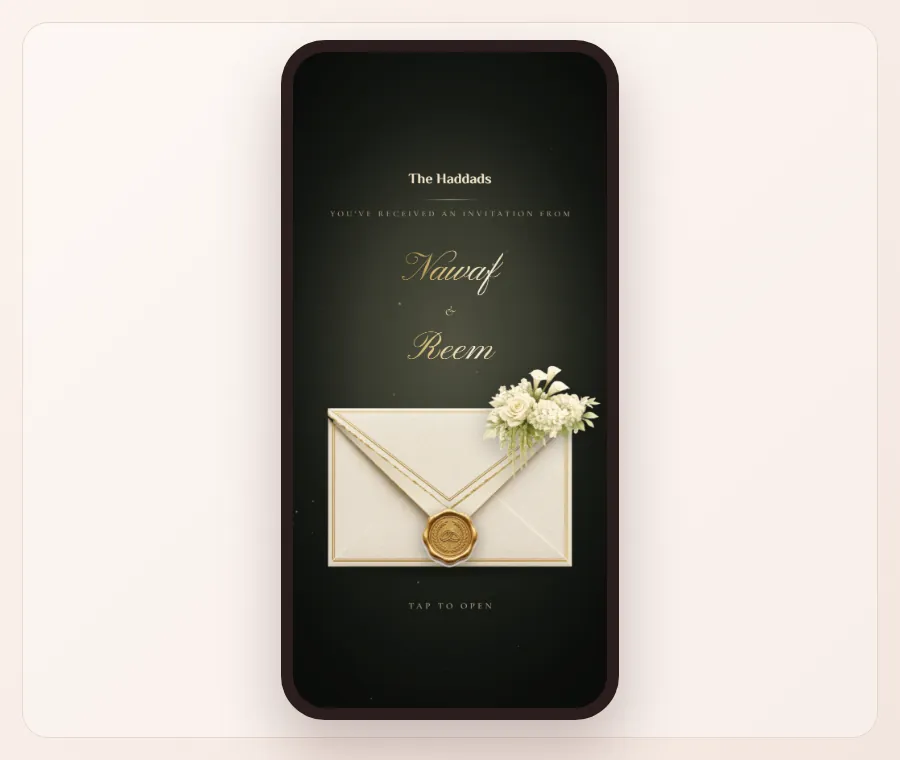
How it charges: you design and preview your invitation for free, with no account. When you publish, you get a preview link that works for 48 hours with every feature, marked "preview only", so you can try it with family. To send it to everyone, you activate the permanent link with one payment per invitation, with no subscription and no per-guest pricing. In the US and Europe that payment is $29. Your local price is on the pricing page. Guests and replies are unlimited, and the link stays live after the wedding until you delete it.
How guests get it: every guest you add gets a personal link, and their name appears on the envelope when they open it. From the guest list you press "Send" next to a name and WhatsApp opens with a ready message carrying their name and link. "Send to next" moves you to the next guest who hasn't received it.
What guests see: a growing collection of designs in Arabic or English, including wax-seal envelopes like Golden Seal, doors that swing open like Wisteria Villa, and minimal styles. The invitation shows the date with a countdown, the venue on a map that opens with a tap, an add-to-calendar button, the day's schedule, photos, music that plays when the guest taps, and a guestbook for wishes.
RSVP tools: guests tap to attend or decline and choose how many people are coming, within a limit you set for each guest. You can add your own questions, sort guests into groups, invite parents to add their own guests through a family link, import a list from Excel or CSV, and export replies. If you change the time or venue, guests see the update on the same link once you press "Update".
Where it falls short today:
- Koroty doesn't currently email or text your guests for you. You share each link yourself, by WhatsApp or any messaging app. If you want the platform to handle email delivery, Greenvelope or Paperless Post fit better.
- For now there are no printed cards, wedding website or registry.
- Each invitation is currently in one language, Arabic or English. For a two-language family you make one of each, and every guest receives the one they read.
- The photo album holds a handful of photos, so pick your favorites.
Design yours free and see how it looks with your own names before deciding anything.
How much does each platform cost for a 150-guest wedding? #
Guest count changes the math more than anything else. Here is what a 150-guest wedding looks like on each platform's published pricing in October 2026:
| Platform | What 150 guests costs | Why |
|---|---|---|
| Paperless Post | Depends on the feature set; the per-guest price drops with volume | Priced per guest in coins |
| Greenvelope | $249 | 150 falls in the "up to 250 guests" tier |
| Evite (premium design) | $99.99 | 150 falls in the "up to 750 guests" package |
| Joy | Free for the core website and RSVP | Upgrades cost extra |
| Canva | Free or your Canva plan | RSVP needs a separate tool |
| Apple Invites | Your iCloud+ subscription | No per-guest charge |
| Koroty | $29 in the US and Europe | One payment per invitation, unlimited guests |
For a deeper look at pricing models and hidden fees, read how much a digital wedding invitation costs.
Which platform should you choose? #
Match the platform to the way you actually send invitations:
- Your guests live in their email inbox, and you want delivery handled for you: Greenvelope or Paperless Post.
- You want a full wedding website and registry, free: Joy.
- You only need a card to post in a group chat or print: Canva.
- Everyone you know uses an iPhone and the event is small: Apple Invites.
- You send by WhatsApp or text, have a big family list, and want each guest's name on their own invitation for one flat price: Koroty.
You can also combine two. For example, a Joy website for travel details plus a separate invitation that guests open in one tap, or a Canva card for the family group chat plus personal invitations for RSVPs.
For more on picking a design once you've picked a platform, see how to choose the right digital wedding invitation.
Frequently asked questions #
What is the most popular digital wedding invitation site? #
Paperless Post, Evite and Joy are among the best-known names in the US. Popular doesn't mean right for you, though. The best fit depends on whether you send by email or by messaging apps, and how big your guest list is.
Are digital wedding invitations cheaper than paper? #
Usually, yes. Printed invitations add printing, envelopes and postage for every guest. With digital, some platforms still charge per guest, while others, including Koroty and Joy's core service, don't charge more as your list grows.
Which platform has no ads for guests? #
Greenvelope says its invitations are ad-free on every tier. On Evite, removing ads is a paid upgrade. Koroty shows no ads. During the free 48-hour preview the invitation carries a "preview only" mark, which disappears when you activate it.
Can guests RSVP without creating an account? #
On most wedding-focused platforms, yes. On Koroty guests open the link in any browser and reply with a tap, with no app and no account. With Apple Invites, guests without an iPhone use the web version and confirm their email first.
Can I change the wedding details after sending? #
Most platforms let you edit. On Koroty your edits stay private until you press "Update", then every guest sees them on the same link, so nothing needs resending.
The bottom line #
There's no single best platform, only the best one for how you send and how many people you invite. Compare the full price at your real guest count, check whether the platform sends invitations for you, and look at what your guests will actually see. If WhatsApp is where your family talks, browse Koroty's designs and try one free with your own names.