
You can send a digital save the date by link by publishing your invitation early with just the date and the city, sending it, and later adding the full details. When you press "Update", the same link becomes the full invitation. And if you only want a picture to post, the free Save the Date maker makes one in a minute.
Koroty is the platform I build, so here is how I'd do it. Your invitation can double as the first announcement, so guests keep one link from the save the date to the wedding day. If you only want something to post, a free save the date image does the job. This guide shows both, then gives you message samples to copy.
What is a save the date, and when should you send one? #
A save the date is an early note that tells guests the day of your wedding so they can keep it free. It usually has your names, the date and the city, and nothing more. It doesn't ask for a reply yet, because the details aren't ready.
Send one when the date is fixed but the venue, schedule or hotel details are not. It matters most when guests must travel, book leave or arrange childcare. For the general timeline, read when to send wedding invitations.
How do you make a digital save the date on Koroty? #
There are two honest routes, depending on what you want.
Route 1: publish early, then update the same link #
- Choose a design and enter your names, the date, and the city or venue name you are ready to share.
- Leave out what isn't decided. Skip the schedule and notes for now, and switch the RSVP section off until you're ready for replies. An invitation needs a venue name and a time before it can be published, so if the hall isn't booked yet, write the city in the venue field and the time you expect, then change both later.
- Publish and send. Sign in with a code sent to your email, activate the permanent link with the one payment so it doesn't expire, and send each guest their personal link, with their name on the envelope.
- Later, add the full details. Add the venue, map, schedule and notes.
- Press "Update". Edits are saved privately until you do, and then guests see the new version on the same link.
The link never changes, so guests who saved it don't need a second message. They open the same link and find the complete invitation.
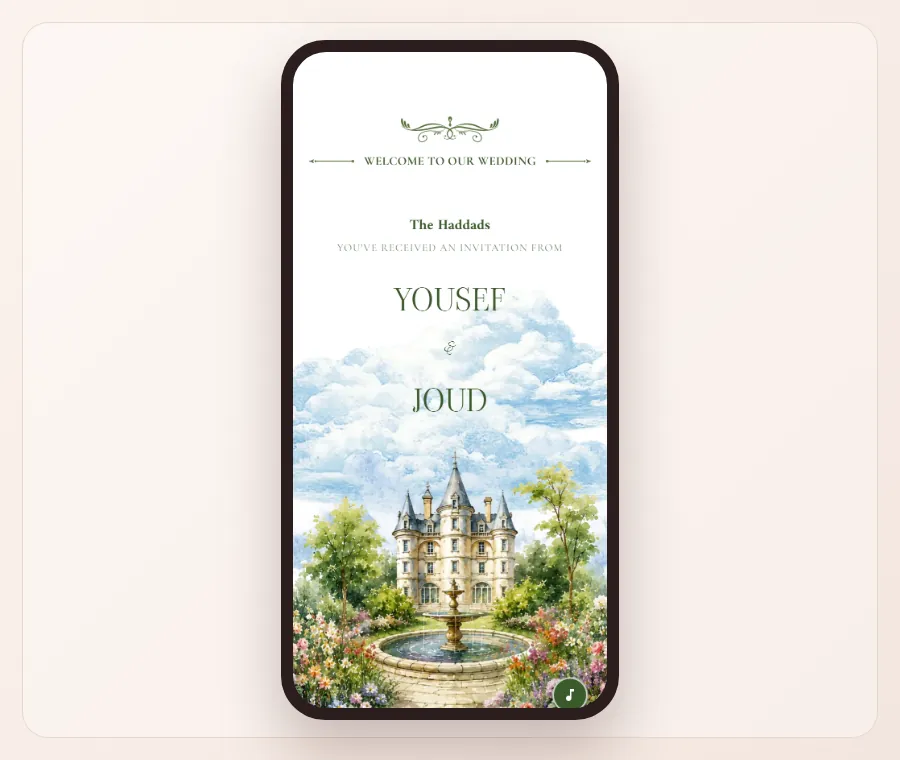
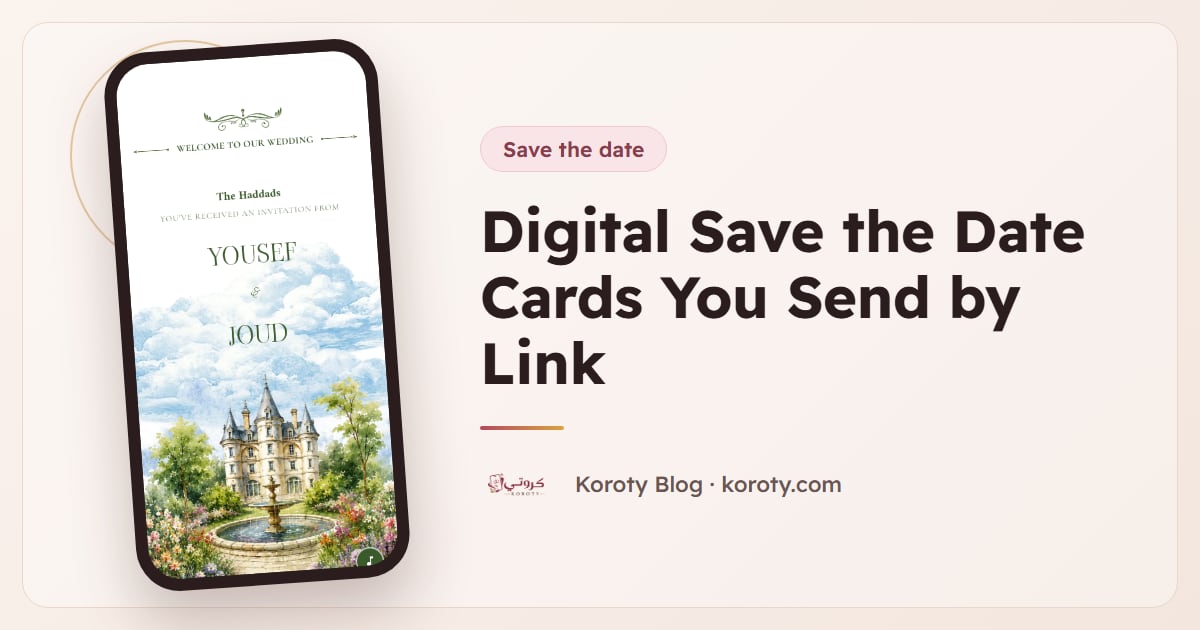
Pictured is Chateau Green, a French chateau with emerald gardens.
A few notes on the details:
- The preview link works for 48 hours with every feature and is marked "preview only". For a save the date that you want guests to keep, you need the permanent link, which is one payment per invitation. See the pricing page.
- Koroty doesn't send the message for you. From your guest list, press "Send" next to a name and WhatsApp opens with a ready message containing the guest's link. You can also copy the link into any other app.
- Switch the RSVP section on only when you're ready for replies, then press "Update".
Route 2: a free save the date image #
If you only want a picture for a family group or a story, use the free Save the Date maker. It draws the image on your own phone with your names and date, sized for a story or WhatsApp status (1080 by 1920), a portrait post or a square. Use your photo, or a design with no photo at all, such as your initials on a wax seal. There is no sign-up, your photo is never uploaded, and a small koroty.com mark appears at the bottom.
If you also want the venue and time on the picture, the wedding invitation card maker makes a phone-size card (1080 by 1700). Either way, you can post the image now and send the full invitation by link later.
Design yours free and try both routes with your own names.
What should a save the date say? #
Keep it short. Include only what you know for sure:
- Your names.
- The date, with the day of the week.
- The city or country.
- A line saying the invitation will follow.
- Optional: where to find updates.
Leave out the dress code, the schedule and the registry. If a hotel block or a travel tip is certain, one line is fine. For the full text later, see what to write in a wedding invitation.
What are some save the date message samples? #
Copy and change the names, date and city. Each is short enough for WhatsApp.
Save the date! Sara and Omar are getting married on Saturday, June 12, 2027, in Amman. Formal invitation to follow.
We're getting married! Please save Friday, September 10, 2027 for Lina and Daniel in Lisbon. Details soon.
Mark your calendars: Noor and Yusuf's wedding is on Friday, March 12, 2027, in Dubai. The full invitation will reach you here.
Save the date, family! Our wedding is on August 21, 2027, in Toronto. More details very soon.
You're in our hearts and on our guest list. Please save Sunday, October 3, 2027, for Maya and Karim in Chicago.
Big news! We have a date: Saturday, May 8, 2027, in Istanbul. Please keep it free. This same link will become your invitation.
Reserve the date for our wedding: Thursday, December 16, 2027, in Cairo. Travel and hotel details will follow.
Hello Aunt Rosa, we wanted you to hear it first. Sam and Elena are marrying on July 17, 2027, in Madrid. Please save the date.
Save the date for Hana and Adam's wedding, Friday, April 9, 2027, in London. Don't book anything else, we want you there!
A date to remember: June 25, 2027, in Riyadh. Ahmad and Reem would love to celebrate with you. Invitation to follow.
Please save the date. Our celebration will be on Saturday, November 6, 2027, in Houston. We'll send the details as soon as they're final.
Quick heads up for travelers: our wedding is on September 24, 2027, in Rome. Flights and hotels first, formal invitation soon.
For different tones and longer wording, see WhatsApp wedding invitation messages and short wedding invitation wording.
What are the limits of this approach? #
- Koroty doesn't email or text guests; you send the link yourself.
- There are no automatic reminders. If you want to remind guests later, you do it from the guest list.
- Each invitation is in one language today. If your families read Arabic and English, see Arabic and English wedding invitations.
For timing, see when to send save the dates.
Frequently asked questions #
Do I need a separate save the date and invitation? #
Not on Koroty. You can send the early link, then add the details and press "Update". If you prefer two messages, you can post a free save the date image first and send the full invitation later.
Will guests need a new link after I update? #
No. The link never changes. They open the same link and see the new version after you press "Update".
Should I ask for replies on a save the date? #
Usually not yet. Say in your message that the full invitation will follow, and ask for replies once the details are final.
How early should I send it? #
It depends on how far people must travel. For general timing, read when to send wedding invitations.
Who should receive a save the date? #
Send it only to people you plan to invite, because a save the date promises an invitation will follow. Decide your list first, then send. A guest who gets a save the date and no invitation later is a hard conversation to have. To build the list, see how to build a wedding guest list, and for how the two messages differ, save the date vs wedding invitation.
What does it cost? #
Designing and previewing are free. The permanent link is one payment per invitation, with no subscription. In the US and Europe that is $29, and your country's price is on the pricing page.
Read also: Save the date templates: 31 free designs, sizes and wording.
The bottom line #
A save the date doesn't need its own product. Publish the date early, send the link, and press "Update" when the rest is ready. The guest keeps one link from the first message to the wedding day. Browse Koroty's designs, or read the digital wedding invitations guide.